
1. Taw qhia
The Byron B304 Wireless Portable Door Chime Kit provides a convenient and reliable solution for your home or office. This battery-powered system offers a wireless range of up to 50 meters, ensuring you hear visitors from various locations within your property. The kit includes a weatherproof doorbell push button and a portable chime unit, designed for easy installation and use.

Image 1.1: The Byron B304 Wireless Portable Door Chime Kit in its retail packaging. The image displays the main chime unit and the smaller push button, highlighting its wireless and 50-meter range capabilities.
2. Cov ntsiab lus ntawm pob
Please check the package contents to ensure all components are present:
- 1 x Doorbell Push Button
- 1 x Portable Door Chime Unit
- 1 x Doorbell Push Button Battery (typically pre-installed or included)
- Mounting Hardware (screws and wall plugs)
- Phau ntawv qhia

Image 2.1: All components of the Byron B304 kit laid out, including the portable chime, doorbell push button, and mounting screws.
3. Teeb tsa
3.1. Kev teeb tsa roj teeb
Before installation, ensure batteries are correctly inserted into both the push button and the chime unit.
- Doorbell Push Button: The push button typically comes with a pre-installed 12V A23 battery. If not, open the back cover (usually by gently prying with a small screwdriver) and insert the battery, observing polarity (+/-).
- Portable Door Chime Unit: Open the battery compartment on the back of the chime unit. Insert 3 x AA 1.5V batteries (not included), ensuring correct polarity. Close the battery compartment securely.
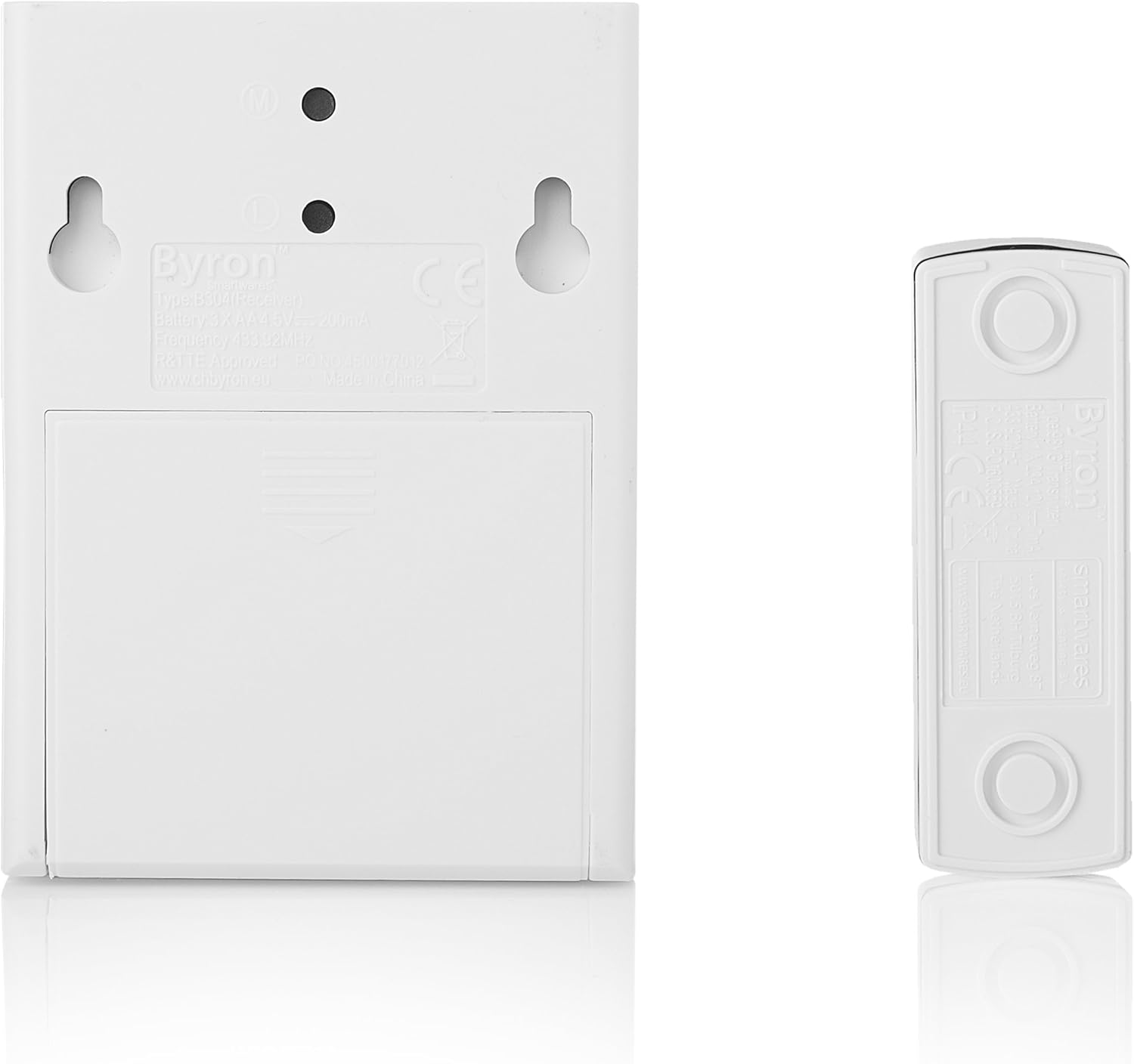
Duab 3.1: Rov qab view of the portable chime unit and the doorbell push button, illustrating the locations of their respective battery compartments and mounting points.
3.2. Mounting the Doorbell Push Button
The doorbell push button is weatherproof (IP44 rated) and designed for outdoor use. Choose a suitable location near your entrance, typically at a height of 1.2 to 1.5 meters (4 to 5 feet) from the ground.
- Siv Screws: Mark the desired mounting holes using the push button as a template. Drill pilot holes, insert wall plugs if necessary, and secure the push button with the provided screws.
- Using Adhesive (Optional): For a non-permanent solution, you can use strong double-sided adhesive tape (not included) to attach the push button to a clean, dry, flat surface.
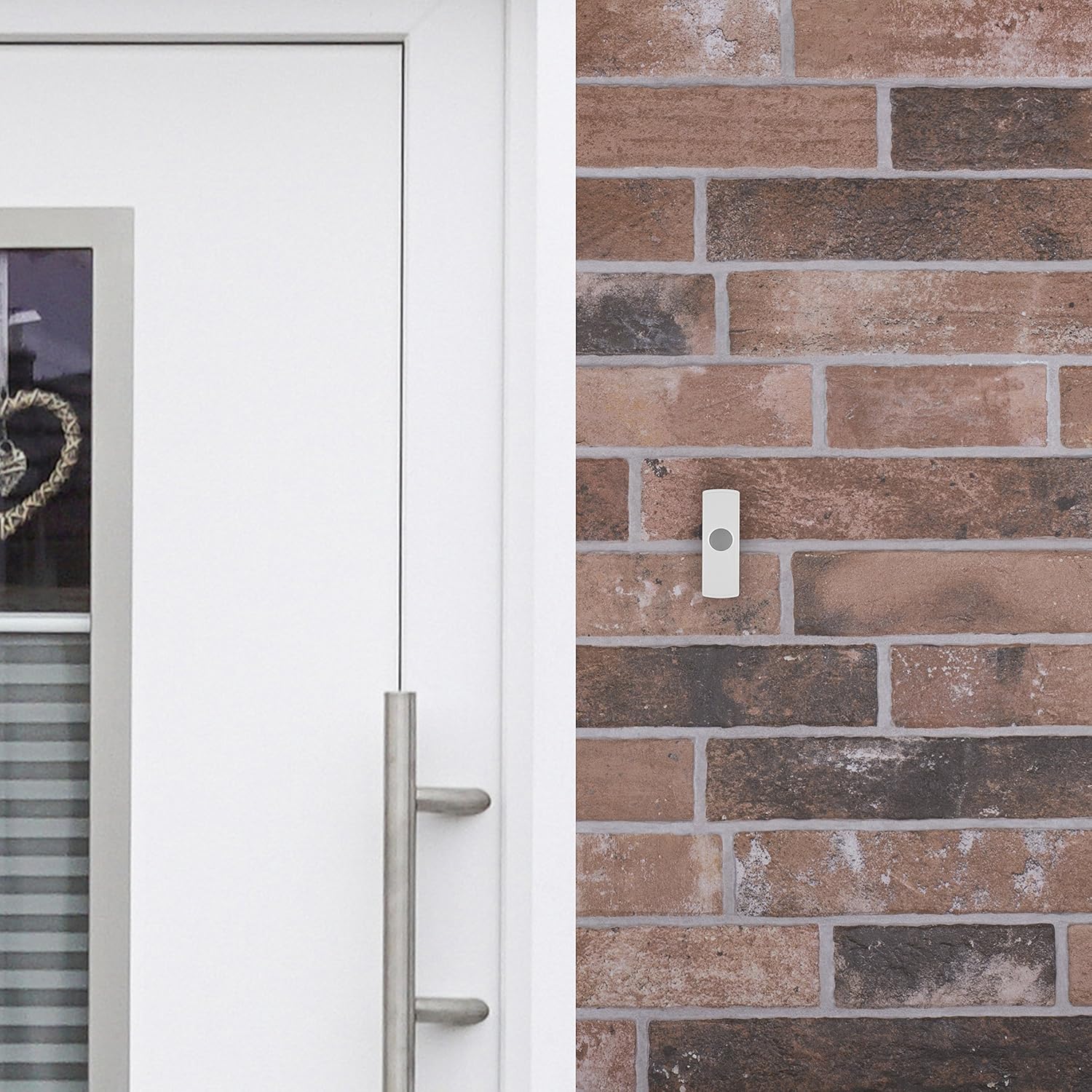
Image 3.2: The doorbell push button securely mounted on a brick wall next to a door, demonstrating a typical installation scenario.
3.3. Placing the Portable Door Chime Unit
The chime unit is portable and can be placed anywhere within the 50-meter range of the push button. Consider placing it in areas where you are most likely to hear it, such as the living room, kitchen, or even a garage or garden during outdoor activities. It can also be wall-mounted using screws if a fixed location is preferred.
The system uses self-learning codes to prevent interference with other wireless doorbells in your vicinity, ensuring a unique frequency for your unit.
4. Cov lus qhia ua haujlwm
4.1. Selecting a Melody
The Byron B304 offers 2 different melodies. To change the melody, locate the melody selection button on the portable chime unit (refer to the unit's exterior for button placement, often a small button or switch). Press this button repeatedly to cycle through the available melodies until you find your preferred sound.

Image 4.1: Ib qho kev kaw view of the portable chime unit, showing its speaker grille and design. The melody selection button is typically located on the side or back.
4.2. Wireless Range Considerations
The doorbell system has an advertised range of up to 50 meters in an open, unobstructed area. The actual range can be affected by environmental factors and obstacles:
- Unobstructed Space: Up to 100% of advertised range.
- Wooden Walls & Large Obstacles (e.g., cabinets): Range may be reduced to 80-95%.
- Stone Walls & Large Obstacles: Range may be reduced to 60-80%.
- Metal Walls & Large Obstacles: Range may be significantly reduced to 0-20%.
For optimal performance, try to minimize the number of walls and large metallic objects between the push button and the chime unit.
5. Kev tu
5.1. Hloov roj teeb
Replace batteries when the chime unit's sound becomes weak or the push button stops activating the chime. Always use fresh batteries of the correct type and observe polarity.
- Doorbell Push Button: Replace with a 12V A23 battery.
- Portable Door Chime Unit: Replace with 3 x AA 1.5V batteries.
Pov tseg cov roj teeb qub ua lub luag haujlwm raws li cov cai hauv zos.
5.2. Kev ntxuav
Wipe the units with a soft, dry cloth. Do not use abrasive cleaners or solvents, as these can damage the plastic casing. Ensure the push button's seal remains intact for weather resistance.
6. Kev daws teeb meem
| Teeb meem | Ua Tau | Kev daws |
|---|---|---|
| Chime does not sound when push button is pressed. |
|
|
| Chime sounds intermittently or weakly. |
|
|
| Chime sounds without the push button being pressed. |
|
|
7. Cov lus qhia tshwj xeeb
| Feature | Paub meej |
|---|---|
| Qauv nab npawb | B304 |
| Khwv wireless | Mus txog 50 meters (qhib teb) |
| Qhov Chaw Fais Fab (Checker) | 3 x AA 1.5V roj teeb (tsis suav nrog) |
| Power Source (Push Button) | 1 x 12V A23 Battery (included/pre-installed) |
| Number of Melodies | 2 |
| Weather Resistance (Push Button) | IP44 ntsuas |
| Khoom siv | Yas casing |
| Dimensions (Chime Unit) | Kwv yees li. 12 x 8 x 3 cm (L x W x H) |
| Dimensions (Push Button) | Kwv yees li. 8 x 3 x 2 cm (L x W x H) |
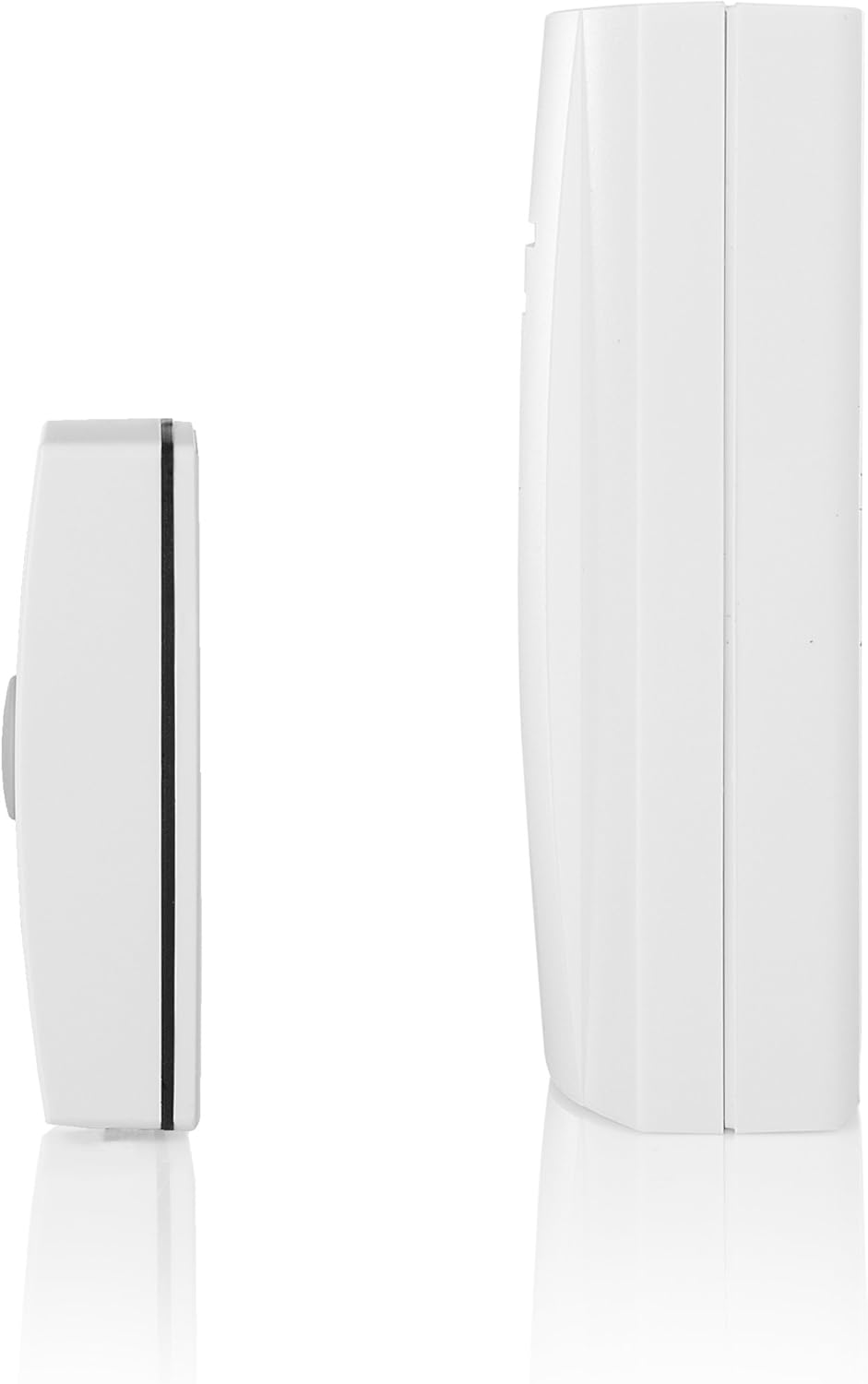
Duab 7.1: Sab profile view of both the portable chime unit and the doorbell push button, illustrating their relative sizes.
8. Warranty Information
The Byron B304 Wireless Portable Door Chime Kit is covered by a 24-lub hlis warranty from the date of purchase. This warranty covers manufacturing defects and faulty materials under normal use. Please retain your proof of purchase for warranty claims.
Lub warranty tsis them rau kev puas tsuaj los ntawm:
- Kev teeb tsa lossis siv tsis raug.
- Accidental damage, misuse, or neglect.
- Kev kho lossis hloov kho tsis raug tso cai.
- Normal wear and tear, including battery depletion.
For warranty service or support, please contact your retailer or the Byron customer service department.