
Taw qhia
Thank you for choosing the Tascam TH-200X Studio Headphones. These closed-back headphones are designed for accurate audio monitoring, mixing, and general music listening. They feature a lightweight, durable construction with comfortable padding for extended use. This manual provides essential information for the proper setup, operation, maintenance, and troubleshooting of your TH-200X headphones.
Dab tsi nyob hauv lub thawv
Thov xyuas tias tag nrho cov khoom hauv qab no suav nrog hauv koj pob:
- Tascam TH-200X Studio Headphones
- Attached Audio Cable (3.5mm jack)
- 6.35mm (1/4-inch) Screw-on Adapter
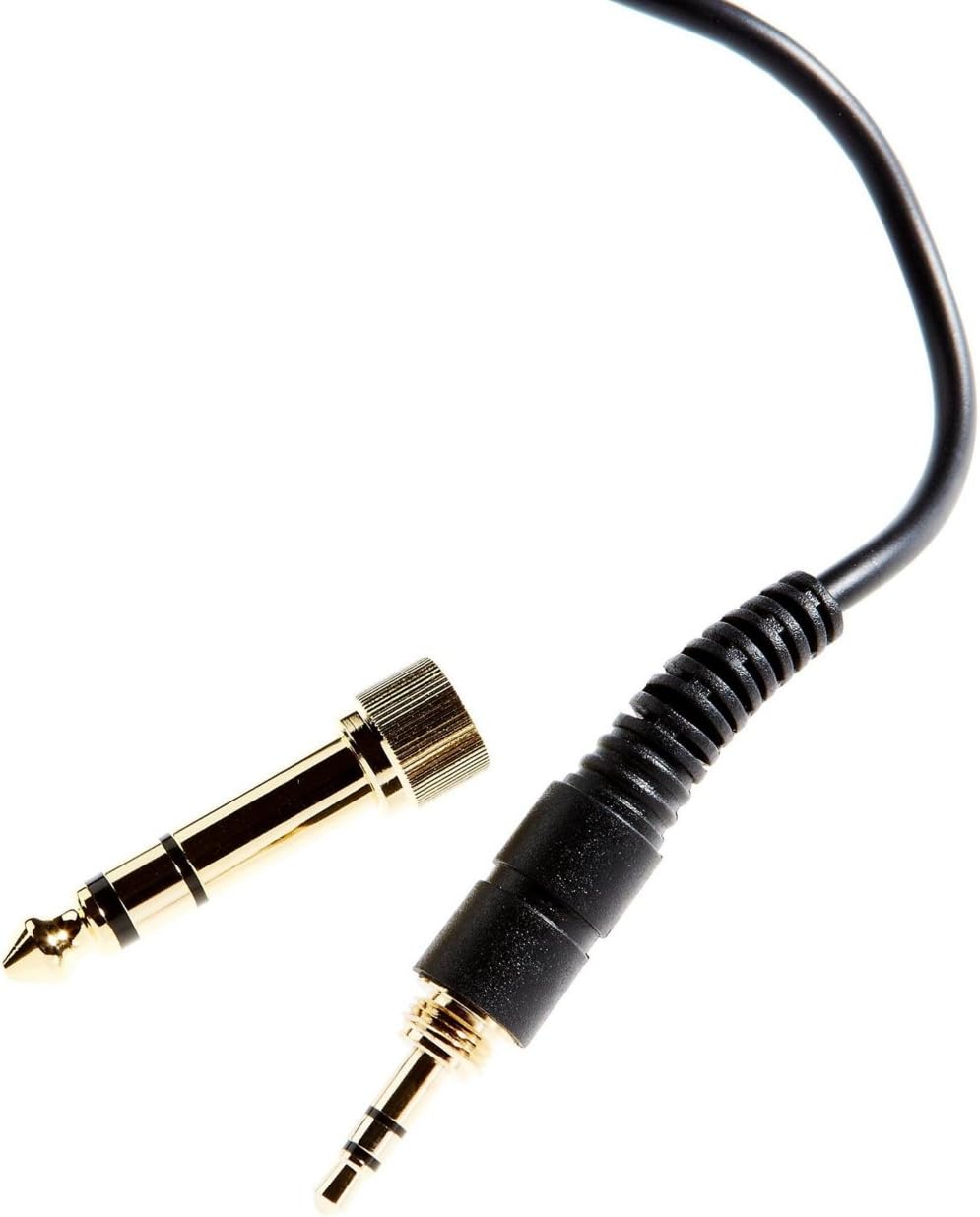
Image: The included 3.5mm audio jack and the detachable 6.35mm (1/4-inch) screw-on adapter for wider compatibility with audio equipment.
Teeb cov lus qhia
- Unpacking: Carefully remove the headphones and all accessories from the packaging.
- Txuas mus rau lub Suab Source:
- For devices with a 3.5mm headphone jack (e.g., smartphones, laptops), simply plug the attached 3.5mm cable directly into the audio output.
- For devices with a 6.35mm (1/4-inch) headphone jack (e.g., audio interfaces, mixing consoles, amplifiers), screw the provided 6.35mm adapter onto the 3.5mm jack before plugging it into the audio output. Ensure the adapter is securely fastened.
- Kho kom haum:
- Place the headphones over your ears, ensuring the earcups fully enclose your ears for optimal sound isolation and comfort.
- Adjust the headband by sliding the earcups up or down along the stainless steel frame until a comfortable and secure fit is achieved. The 'L' and 'R' indicators on the inside of the headband denote the left and right earcups, respectively.
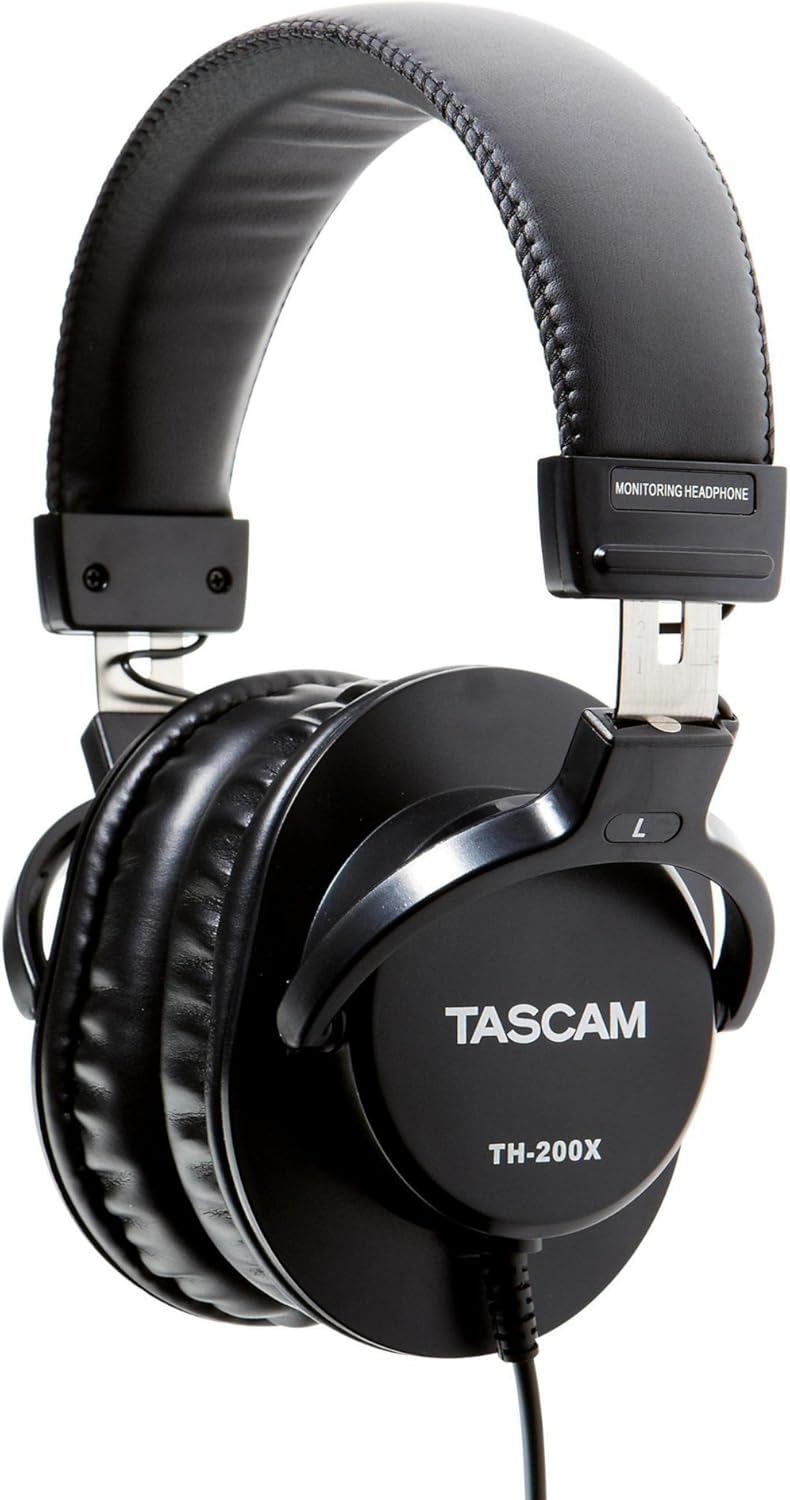
Duab: Sab view of the Tascam TH-200X headphones, highlighting the branding and the 'L' indicator for the left earcup.
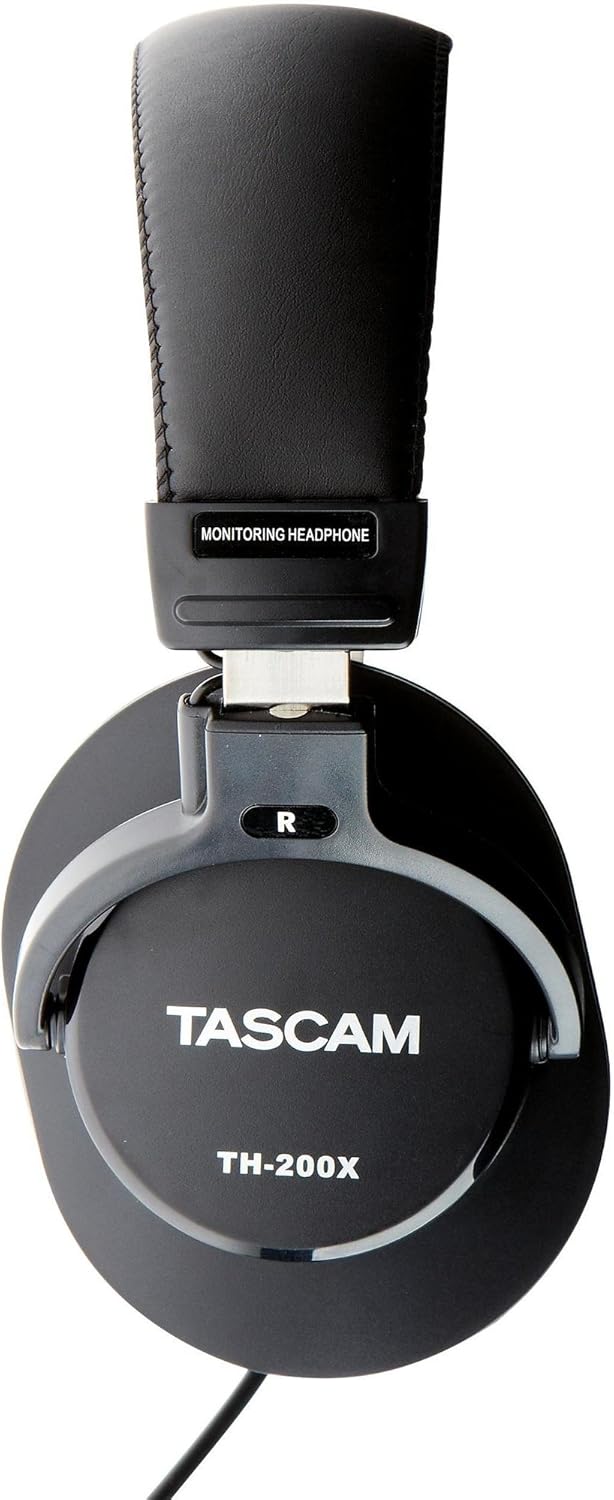
Duab: Sab view of the Tascam TH-200X headphones, highlighting the branding and the 'R' indicator for the right earcup.
Cov lus qhia ua haujlwm
- Volume Control: Adjust the volume directly from your connected audio source (e.g., computer, audio interface, smartphone). The TH-200X headphones do not feature inline volume controls.
- Mloog Zoo: To prevent hearing damage, avoid listening at high volumes for extended periods. Start with a low volume and gradually increase it to a comfortable level.
- Npaj siv: These headphones are optimized for studio monitoring and mixing, providing a neutral sound reproduction. They are also suitable for general music listening.
Kev tu
- Ntxuav:
- Wipe the earcups and headband with a soft, dry cloth.
- Rau cov av tawv tawv, me ntsis dampen daim ntaub nrog dej. Tsis txhob siv cov tshuaj hnyav hnyav lossis cov tshuaj abrasive.
- Do not immerse the headphones in water or any other liquid.
- Cia:
- Store the headphones in a clean, dry place away from extreme temperatures and direct sunlight.
- Tsis txhob muab tej yam hnyav tso rau saum lub mloog pob ntseg.
- Cable Care:
- Avoid sharply bending or twisting the cable.
- Do not pull on the cable to disconnect it from an audio source; always grasp the plug itself.
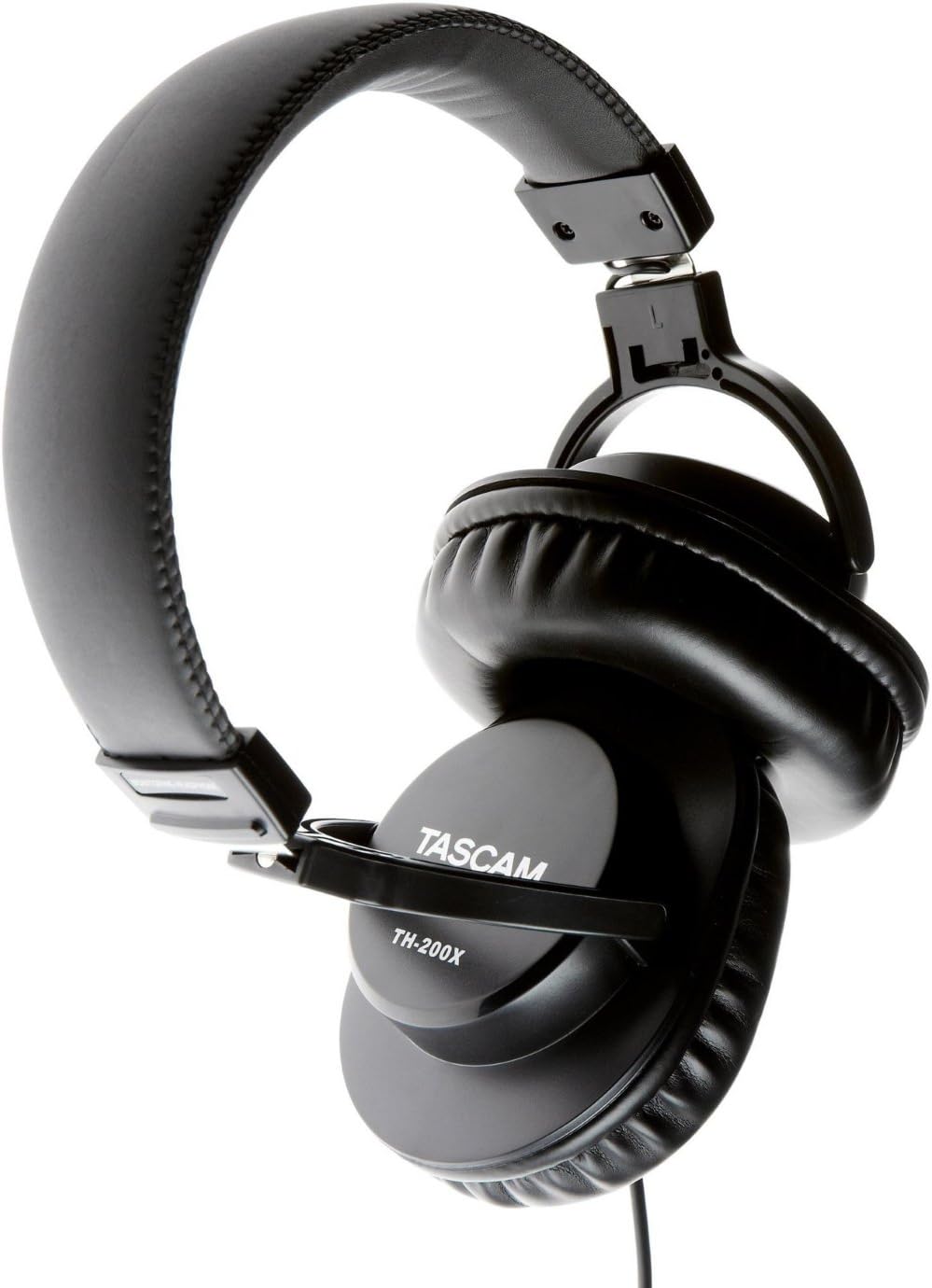
Duab: Angled view of the Tascam TH-200X headphones, demonstrating the adjustable headband and durable construction.
Kev daws teeb meem
- Tsis muaj suab:
- Ensure the headphone cable is fully plugged into both the headphones and the audio source.
- Check the volume level on your audio source and ensure it is not muted.
- Test the headphones with a different audio source or device to rule out a device-specific issue.
- If using the 6.35mm adapter, ensure it is securely screwed onto the 3.5mm jack.
- Distorted suab:
- Lower the volume on your audio source. Excessive volume can cause distortion.
- Ensure the audio cable connections are secure.
- Test with another audio source to determine if the issue is with the headphones or the source.
- Kev tsis haum xeeb:
- Adjust the headband length by sliding the earcups until they sit comfortably over your ears without excessive pressure.
- Ensure the earcups fully cover your ears.
Technical Specifications
| Qauv | TH-200X |
| Hom | Tascam |
| Pob ntseg tso | Tshaj pob ntseg |
| Form Factor | Tshaj pob ntseg |
| Tsis Siv Neeg Tswj | Suab Isolation |
| Hom Tsav Tsheb | Dynamic Driver (40mm Neodymium Magnet) |
| Ntau zaus | 15Hz-22kHz |
| Connectivity Technology | Hlau |
| Lub mloog pob ntseg Jack | 3.5 mm Jack, 6.35 mm Jack (with adapter) |
| Khoom siv | Stainless Steel (frame) |
| Yam Nyhav | 0.41 kg ib |
| Nta ntxiv | Lightweight, Adjustable, Durable, Retractable Cable |

Duab: pem hauv ntej view of the Tascam TH-200X headphones, showcasing the comfortable padded headband and earcups.
Warranty thiab Support
Tascam products are manufactured to high-quality standards. For specific warranty information, please refer to the warranty card included with your product or visit the official Tascam webqhov chaw.
For technical support, service, or further inquiries, please visit the official Tascam support page:
Thov khaws koj cov ntaub ntawv pov thawj ntawm kev yuav khoom rau kev lees paub.
Additionally, if purchased through Amazon, a 30-day refund/replacement policy may apply. Please refer to your Amazon purchase details for more information.