
Taw qhia
Duracell Rechargeable Pre-Charged NiMH batteries are designed for repeated use, offering a cost-effective and environmentally friendly power solution. These batteries feature Ion Core technology for consistent power delivery and come pre-charged for immediate use. They are guaranteed for 10 years in storage and can retain a charge for up to 1 year when not in use. Compatible with any NiMH charger, they can be recharged up to 400 times.
Cov yam ntxwv tseem ceeb
- Kev siv ntau yam: Designed for devices such as video game controllers, wireless electronics, and baby monitors.
- Rechargeable: Can be recharged up to 400 times using any compatible NiMH charger, offering significant savings over disposable batteries.
- Kev Them Ntev Ntev: Equipped with Ion Core technology for extended power cycles.
- Lub Sij Hawm Khaws Khoom Ntev: Guaranteed for 10 years in storage and holds a charge for up to 1 year when not in use.
- Trusted Brand: Duracell Rechargeable batteries are available in both AA and AAA sizes.
Kev teeb tsa thiab kev teeb tsa
To install your Duracell Rechargeable AAA batteries:
- Identify the battery compartment of your device.
- Saib cov cim polarity (+ thiab -) sab hauv lub thawv thiab ntawm cov roj teeb.
- Insert the batteries, ensuring the positive (+) end aligns with the positive terminal and the negative (-) end aligns with the negative terminal.
- Kaw lub roj teeb kom ruaj ntseg.
For initial use, it is recommended to fully charge the batteries even though they come pre-charged.

Image: Duracell Rechargeable AAA Batteries, illustrating the battery design and terminals.
Cov lus qhia ua haujlwm
These batteries are designed for repeated charging and use. Follow these guidelines for optimal performance:
- Kev them nyiaj yug: Use a compatible NiMH battery charger. Insert the batteries into the charger according to the charger's instructions, observing polarity.
- Tus nqi them tag nrho: Allow batteries to charge completely before use. Charging times vary depending on the charger and battery capacity.
- Recharge: Recharge batteries when your device indicates low power or when performance diminishes. Avoid over-discharging batteries completely, as this can reduce their lifespan.
- Kev siv: These batteries are suitable for high-drain devices that benefit from consistent power and frequent recharging.
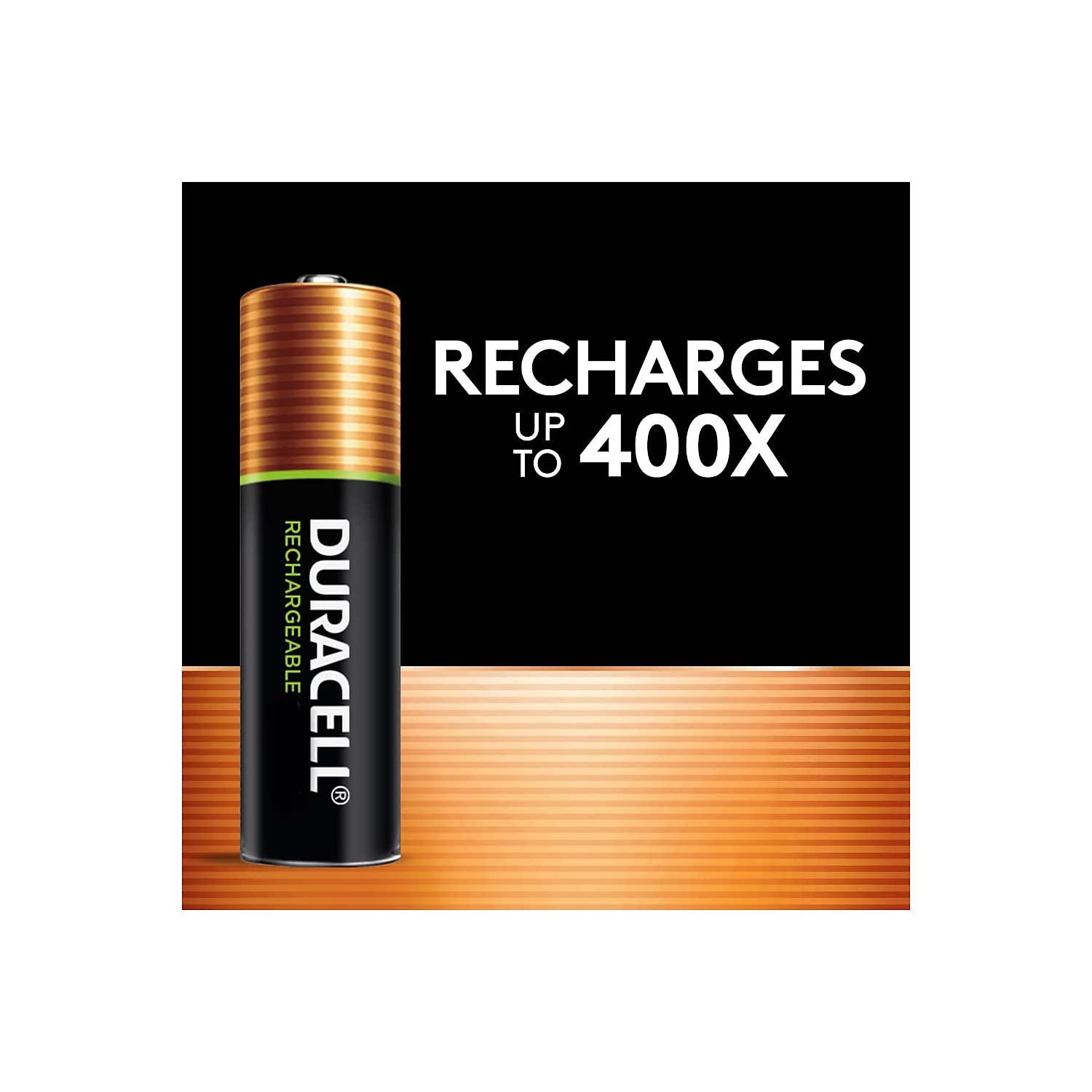
Image: Duracell Rechargeable AAA Batteries, highlighting their ability to be recharged up to 400 times.
Kev tu thiab khaws cia
Proper care and storage will maximize the lifespan and performance of your rechargeable batteries:
- Cia: Khaws cov roj teeb rau hauv qhov chaw txias, qhuav kom deb ntawm tshav ntuj ncaj qha thiab qhov kub thiab txias.
- Lub sij hawm cia: For extended storage, it is best to store batteries with a partial charge (around 50%).
- Charge Retention: These batteries are designed to hold a charge for up to 1 year when not in use.
- Ntxuav: Keep battery terminals clean. Use a dry cloth to wipe away any dirt or residue.
- Kev pov tseg: Do not dispose of batteries in household waste. Recycle them at designated battery recycling centers.

Image: Duracell Rechargeable AAA Batteries, emphasizing their 10-year guarantee in storage.
Kev daws teeb meem
If you encounter issues with your Duracell Rechargeable AAA batteries, consider the following:
- Roj teeb tsis them:
- Xyuas kom lub charger tau ntsaws rau hauv lub qhov hluav taws xob ua haujlwm zoo.
- Verify that the batteries are correctly inserted into the charger, aligning with the polarity markings.
- Check if the charger is compatible with NiMH batteries.
- Inspect batteries for any visible damage or corrosion.
- Device Tsis Powering On:
- Confirm that the batteries are fully charged.
- Ensure batteries are inserted correctly into the device with proper polarity.
- Test the device with known working batteries to rule out a device malfunction.
- Lub neej luv luv:
- The device may have high power consumption.
- Batteries may be nearing the end of their recharge cycle life (up to 400 recharges).
- Xyuas kom tseeb tias cov roj teeb tau them tag ua ntej txhua zaus siv.
Specifications
| Yam ntxwv | Tus nqi |
|---|---|
| Hom | DURACELL |
| Qauv nab npawb | DX2400B4N001 |
| Qauv Lub Npe | Rechargeable roj teeb |
| Number of Battery | 4 AAA roj teeb yuav tsum tau |
| Roj teeb Cell Composition | NiMH |
| Roj teeb muaj peev xwm | 700 mivamp Teev |
| Voltage | 1.2 Volts |
| Reusability | Rechargeable |
| Chav ntsuas | 4 Nws |
| Yam khoom Dimensions | 4.5 x 3.8 x 0.5 po |
| Yam Nyhav | 0.1 Ib |
| Pom zoo siv | Baby Monitors, Game Controllers |
Warranty thiab Support
For warranty information and customer support, please contact the manufacturer directly. Duracell Rechargeable batteries are guaranteed for 10 years in storage.
Chaw tsim tshuaj paus: Duracell
For further assistance, refer to the official Duracell webqhov chaw lossis cov khoom ntim khoom.