
Snakebyte SB911194
Phau Ntawv Qhia Siv Snakebyte Gamepad S Pro Wireless Controller
Qauv: SB911194
1. Taw qhia
The Snakebyte Gamepad S Pro is a wireless controller designed for use with Nintendo Switch, Switch Lite, and Switch OLED consoles. It offers a console-style gaming experience with features such as dual precision analog sticks, dual rumble motors for immersive feedback, and a dedicated Capture button for recording gameplay moments. The controller connects via Bluetooth 3.0, aiming to provide a low-latency gaming experience. It also includes an assignable turbo feature and charges via an included USB-C cable.

Daim duab 1: Pem hauv ntej view of the Snakebyte Gamepad S Pro Controller.
2. Teeb tsa
2.1 Kev them nyiaj rau tus tswj
Before initial use, fully charge the controller. Connect the included 5.9 ft (1.8 m) USB-C cable to the controller's charging port and the other end to a USB power source (e.g., Nintendo Switch dock, USB wall adapter, or computer USB port). The charging indicator lights on the controller will provide status feedback.
2.2 Pairing with Nintendo Switch
To pair the Snakebyte Gamepad S Pro with your Nintendo Switch console:
- Xyuas kom tseeb tias koj lub Nintendo Switch console tau qhib thiab hloov kho mus rau qhov software system tshiab tshaj plaws.
- Los ntawm HOME Menu, xaiv "Cov Tswj Xyuas", ces "Hloov Qhov Tuav/Txiav Txim".
- On the Snakebyte Gamepad S Pro, press and hold the khawm tsev (house icon) and the Y khawm simultaneously for approximately 5 seconds. The indicator lights on the controller will begin to flash rapidly.
- Once the controller is successfully paired, the player indicator light(s) on the bottom of the controller will illuminate solid.
The controller is compatible with Nintendo Switch, Switch OLED, and Switch Lite models.

Figure 2: The Gamepad S Pro is compatible with Nintendo Switch, Switch OLED, and Switch Lite.
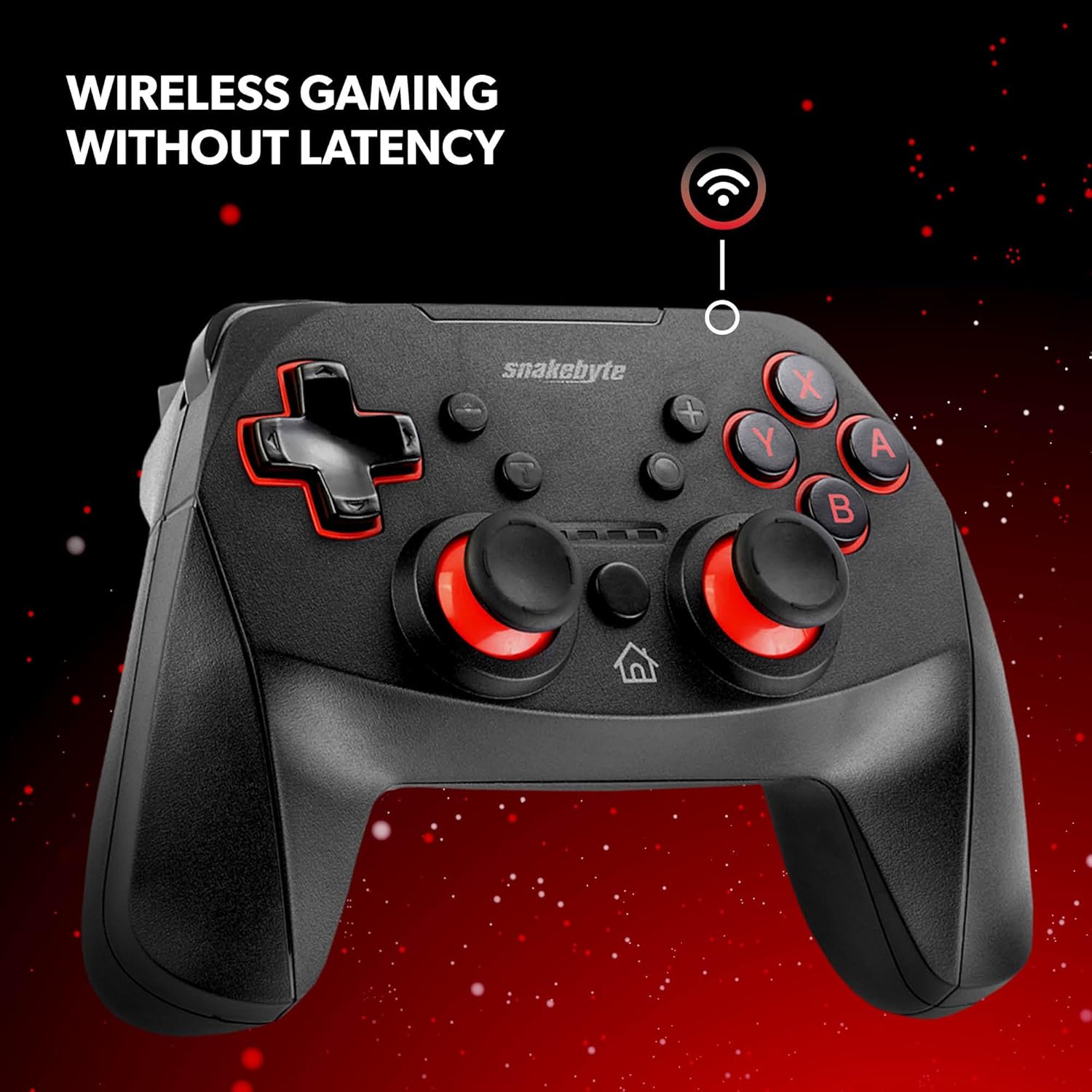
Figure 3: The controller offers wireless connectivity for gaming without latency.
3. Kev khiav hauj lwm tswj
3.1 Kev Tsim Kho thiab Kev Ua Haujlwm ntawm Khawm
- Cov Khawm A/B/X/Y: Cov nyees khawm ua haujlwm txheem.
- D-Pad: Kev nkag mus rau qhov taw qhia.
- Cov Sticks Analog Sab laug/Sab xis: Rau kev txav mus los thiab kev tswj lub koob yees duab kom meej.
- L/R khawm: Cov nyees khawm ntawm lub xub pwg nyom.
- ZL / ZR khawm: Cov nyees khawm ua kom muaj zog.
- Khawm Tsev: Rov qab mus rau HOME Menu.
- Capture khawm: Saves screenshots or video clips of gameplay.
- Plus (+) / Minus (-) Buttons: Equivalent to Start/Select or Menu buttons.
3.2 Dual Rumble Vibration
The controller features dual rumble motors that provide haptic feedback, enhancing immersion during gameplay. The intensity of the vibration is determined by the game.
3.3 Assignable Turbo Feature
The assignable turbo feature allows a button to be pressed repeatedly with a single hold. Consult the controller's specific instructions (often included in the packaging or on the manufacturer's website) for details on how to assign and activate the turbo function for desired buttons.
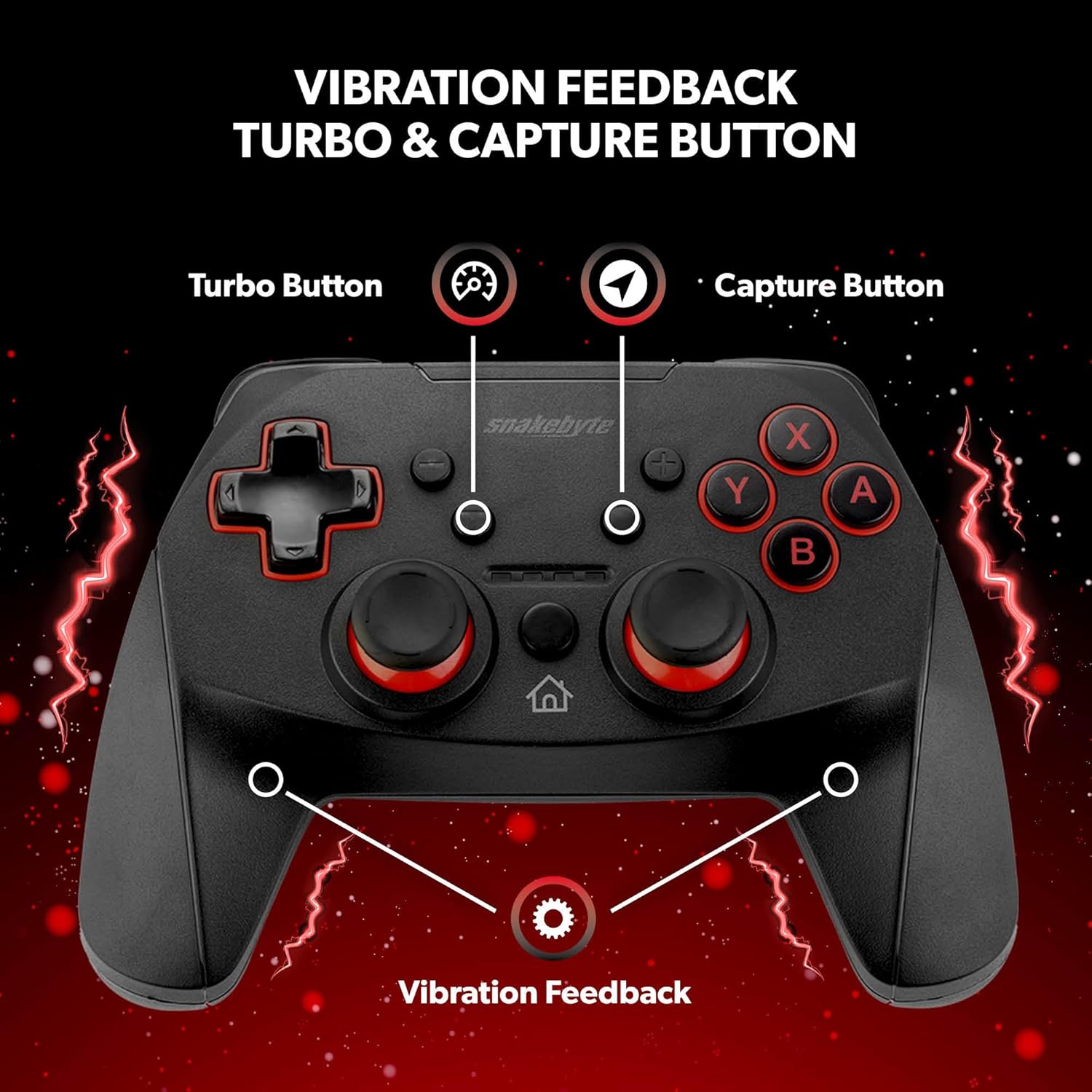
Figure 4: Key features including Turbo Button, Capture Button, and Vibration Feedback.
3.4 Audio Jack
The controller is equipped with an audio jack, allowing you to connect a compatible headset for in-game audio and communication (if supported by the game and console settings).

Figure 5: Detail of the controller's audio jack.
4. Kev tu
4.1 Kev ntxuav
Txhawm rau ntxuav tus maub los, siv cov ntaub mos muag, qhuav. Rau cov av tawv tawv, me ntsis dampen the cloth with water. Avoid using harsh chemicals, abrasive cleaners, or solvents, as these can damage the controller's surface and internal components.
4.2 Roj Teeb Kho
The controller contains a rechargeable Lithium Metal battery. To prolong battery life:
- Tsis txhob tso lub roj teeb tas li ntau zaus.
- Khaws tus maub los rau hauv qhov chaw txias, qhuav thaum tsis siv rau lub sijhawm ntev.
- Do not expose the controller to extreme temperatures.
5. Kev daws teeb meem
- Controller not pairing or disconnecting frequently:
- Xyuas kom tus maub los tau them tag nrho.
- Verify the pairing steps (Home + Y buttons) are followed correctly.
- Move closer to the Nintendo Switch console to ensure a strong Bluetooth connection.
- Check for any firmware updates for the controller on the official Snakebyte website, as updates can resolve connectivity issues.
- Restart both the Nintendo Switch console and the controller.
- Buttons or joysticks are unresponsive or sticking:
- Power off the controller and then power it back on.
- Ensure no debris is lodged around the buttons or joysticks. Clean as per maintenance instructions.
- Controller does not wake the Nintendo Switch from standby:
- This controller may not support waking the console from standby mode. Power on the console manually using the power button on the console itself.
- No Gyro Sensor:
- Please note that this controller does not include a gyro sensor. Games requiring motion controls or fine aiming adjustments via tilting will not function as intended with this controller.
6. Cov lus qhia tshwj xeeb
| Qauv nab npawb | SIB 911194 |
| Hom | Snakebyte |
| Kev sib txuas | Bluetooth 3.0 |
| Kev sib haum xeeb | Nintendo Hloov, Hloov Lite, Hloov OLED |
| Qhov Loj (L x W x H) | 3.94 x 2.36 x 5.51 po |
| Yam Nyhav | 8.47 ooj (240 grams) |
| Hom roj teeb | 1 Lithium Hlau roj teeb (nrog) |
| Charge Cable Length | 5.9 ft (1.8 m) |
| Tshwj xeeb nta | Dual Motor Vibration, Assignable Turbo, Capture Button, Audio Jack |

Figure 6: The controller is designed for absolute durability.
7. Warranty thiab Support
For detailed warranty information, please refer to the warranty card included with your product packaging or visit the official Snakebyte website. For technical support, product registration, or further inquiries, please contact Snakebyte customer service through their official channels.
Official Snakebyte Webqhov chaw: www.snakebyte.com
Ask a question about this manual
Ask about setup, troubleshooting, compatibility, parts, safety, or missing instructions. Manuals+ will review the question and use this page’s manual context to help answer it.