
Taw qhia
This user manual provides comprehensive instructions for the VTech VM3252-2 Digital Video Baby Monitor. Please read this manual thoroughly before using the product to ensure proper operation and safety. Keep this manual for future reference.
Ntim Cov Ntsiab Lus
Your VTech VM3252-2 package includes:
- One (1) Parent Unit with 2.8-inch color LCD screen
- Two (2) Baby Units (cameras)
- Three (3) Power Adapters (one for Parent Unit, two for Baby Units)
- One (1) Rechargeable Battery (pre-installed in Parent Unit)
- Tus neeg siv phau ntawv (cov ntaub ntawv no)

Image: The VTech VM3252-2 Digital Video Baby Monitor system, showing the parent unit and two baby units.
Teeb tsa
1. Charging the Parent Unit Battery
The parent unit operates on a rechargeable battery or AC power. To maximize battery life, charge the parent unit for at least 12 hours before initial use. The battery icon on the screen indicates the charge level.
- Connect the small plug of the parent unit power adapter to the power jack on the side of the parent unit.
- Connect the large end of the power adapter to a wall outlet.
2. Connecting the Baby Units (Cameras)
The baby units operate on AC power only. Ensure they are placed within range of the parent unit and have a clear line of sight to the baby.
- Connect the small plug of the baby unit power adapter to the power jack on the back of the baby unit.
- Connect the large end of the power adapter to a wall outlet.
- Position the baby unit at least 3 feet (1 meter) away from the baby.
- Adjust the camera angle manually to get the desired view.

Image: A hand demonstrates adjusting the camera angle of the baby unit.
3. Fais fab rau / tawm
- Txhawm rau qhib lub tsev niam txiv, nias thiab tuav lub Hwj chim button until the VTech logo appears.
- To turn off the parent unit, press and hold the Hwj chim khawm kom txog thaum lub vijtsam kaw.
- To turn on a baby unit, slide the ON/OFF hloov mus rau qhov ON txoj hauj lwm.
- To turn off a baby unit, slide the ON/OFF hloov mus rau qhov OFF txoj hauj lwm.
Kev ua haujlwm
1. Saib Xyuas Koj Tus Menyuam
Once both units are powered on and linked, the parent unit will automatically display video from the baby unit. If you have two cameras, the parent unit will cycle between them or allow manual selection.

Image: The parent unit's 2.8-inch color LCD screen showing a clear view of a baby.
2. Two-Way Talk Intercom
You can speak to your baby through the baby unit from the parent unit.
- Nias thiab tuav lub Tham khawm ntawm lub tsev niam txiv.
- Hais lus kom meej meej rau hauv lub microphone ntawm lub cuab yeej niam txiv.
- Tso lub Tham button to stop speaking and hear your baby.

Image: A user interacting with the parent unit, demonstrating the two-way talk feature.
3. Suab so thiab Lullabies
The baby unit can play pre-set lullabies and soothing sounds to help calm your baby.
- Access the menu on the parent unit.
- Navigate to the Lullaby/Sound option.
- Select a melody or sound to play.
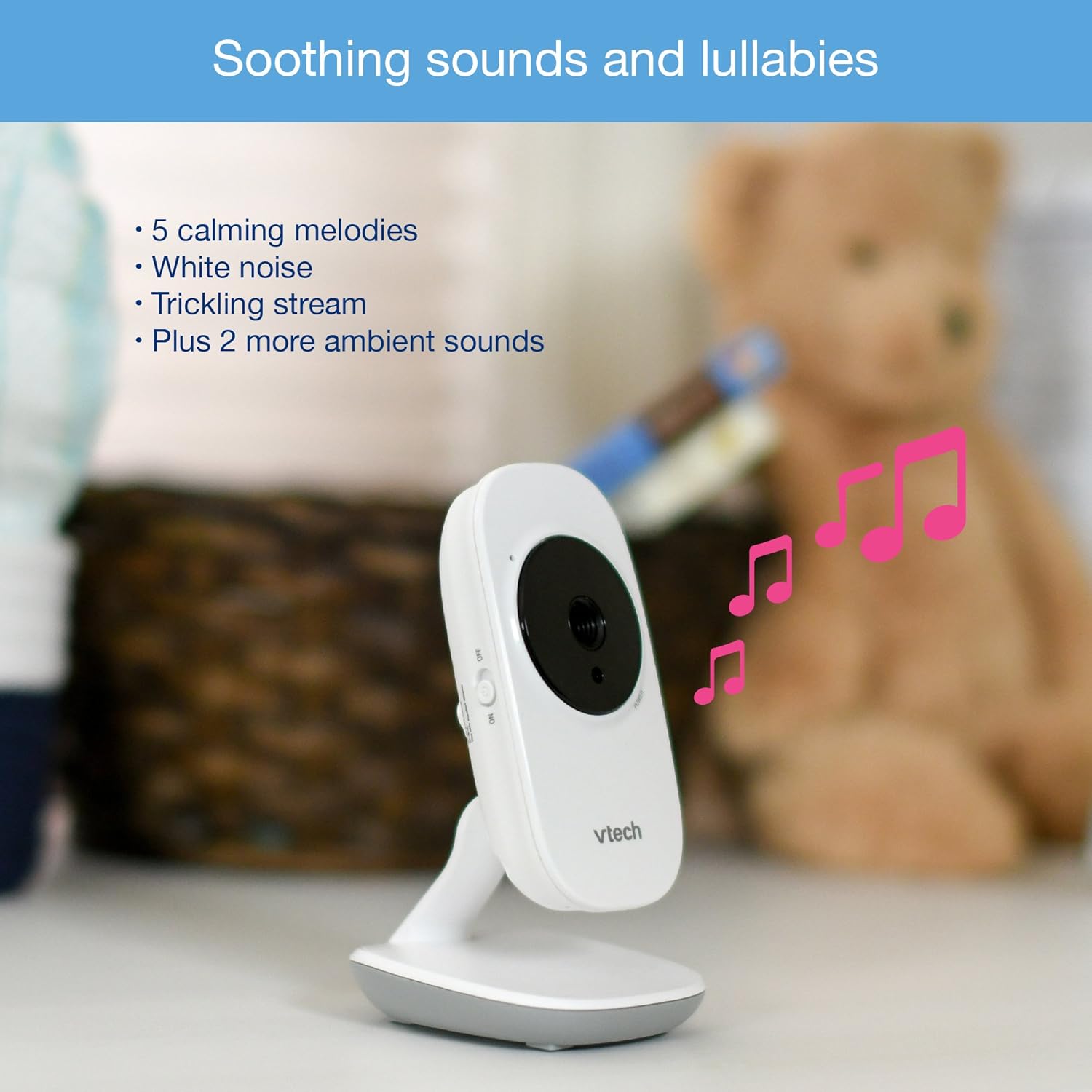
Image: The baby unit, illustrating its ability to play soothing sounds and lullabies.
4. Volume Control
Adjust the listening volume on the parent unit using the volume buttons.
- Nias lub VOLUME UP khawm kom nce ntim.
- Nias lub VOLUME DUA khawm kom txo lub ntim.
- The parent unit features a 6-level sound indicator to visually represent the sound level detected by the baby unit.
Cov yam ntxwv tseem ceeb
- High-Resolution 2.8-inch Color LCD Screen: Provides a clear video feed of your baby.
- Tsis Siv Neeg Infrared Hmo Pom Kev: Automatically activates in low-light conditions for clear viewhauv qhov tsaus ntuj.
- Kub Sensor: Monitors the room temperature around the baby unit and displays it on the parent unit. Alerts can be set for temperature fluctuations.
- Adjustable Lub Koob Yees Duab: Manually adjust the baby unit's camera to achieve the optimal viewlub kaum sab xis.
- 2 x Digital Zoom: Zoom in on your baby for a closer look.
- Mus txog 1,000 feet ntawm qhov siab: Stay connected to your baby from various rooms in your home.

Image: A visual summary of key features including temperature monitoring, night vision, adjustable camera, and sound indicators.
Kev tu
Ntxuav Tus Saib Xyuas
- Wipe the surfaces of the parent unit and baby units with a soft, damp daim ntaub.
- Tsis txhob siv cov tshuaj ntxuav tes los yog tshuaj ntxuav tes.
- Ensure the units are dry before reconnecting to power.
Roj teeb Care
- The parent unit uses a rechargeable battery. If the battery life significantly decreases, it may need replacement.
- Only use the specified replacement battery type.
- Do not dispose of batteries in fire. Check local regulations for proper battery disposal.
Kev daws teeb meem
No Link / Out of Range
If the parent unit displays "No Link" or "Out of Range":
- Ensure both the parent unit and baby units are powered on.
- Txav mus rau niam txiv chav nyob ze rau ntawm chav tsev menyuam.
- Relocate the baby unit to a position with fewer obstructions (e.g., walls, furniture).
- Avoid placing the monitor near other electronic devices that may cause interference (e.g., Wi-Fi routers, cordless phones).
Poor Picture Quality / Blurry Night Vision
- Xyuas kom lub koob yees duab lens yog huv si thiab tsis muaj plua plav los yog smudges.
- Check for adequate lighting in the room during daytime use.
- During night vision, ensure there are no direct light sources near the baby unit that could interfere with the infrared sensors.
- Adjust the position of the baby unit for a clearer view.
Short Battery Life on Parent Unit
- Ensure the parent unit is fully charged for at least 12 hours before use.
- Reduce screen brightness to conserve battery.
- If the battery life remains significantly short after full charging, the rechargeable battery may need to be replaced.
- Keep the parent unit plugged into the power adapter for continuous use.
Monitor Randomly Turns Off
- Check if the parent unit battery is low. Recharge the unit.
- Ensure the power adapter is securely connected to both the parent unit and the wall outlet.
- Yog tias qhov teeb meem tshwm sim, hu rau cov neeg siv khoom txhawb nqa.
Specifications
| Feature | Paub meej |
|---|---|
| Qauv nab npawb | VM3252-2 |
| Qhov Loj | 2.8cm ua |
| Video Capture daws teeb meem | 720p ib |
| Cov koob yees duab | 2 |
| Connectivity Technology | Wireless |
| Hwj chim Source | AC Powered (Baby Units), Rechargeable Battery / AC Powered (Parent Unit) |
| Hmo Ntuj Pom Kev | Tsis Siv Neeg Infrared Hmo Pom Kev |
| Cov Zoom | 2x |
| Intercom | Ob txoj kev tham |
| Kub Sensor | Yog lawm |
| Lullabies/Sounds | Yog lawm |
| Yam khoom Dimensions | 4.89 x 4.77 x 2.83 po |
| Yam Nyhav | 1.88 Ib |
| Xim | Dawb |
Warranty Information
VTech products are designed with quality and reliability in mind. For detailed warranty information, please refer to the warranty card included in your product packaging or visit the official VTech webqhov chaw. Khaws koj daim ntawv yuav khoom ua pov thawj ntawm kev yuav khoom.
Kev Pab Txhawb Cov Neeg Siv Khoom
If you have any questions or require assistance with your VTech VM3252-2 Digital Video Baby Monitor, please contact VTech customer support:
- Webqhov chaw: www.vtechbabycare.com
- Email: support@vtechbabycare.com
For additional resources and FAQs, please visit the VTech support page online.
Khoom Tshajview Video
Video: An official VTech overview of the VM3252-2 Digital Video Baby Monitor, highlighting its features and ease of use.