
ELRO DB3000
ELRO DB3000 Wireless Doorbell Set
Cov neeg siv phau ntawv
1. Taw qhia
The ELRO DB3000 Wireless Doorbell Set ensures you are always aware when someone is at your door. This high-quality set includes a durable, waterproof doorbell push button and two portable indoor receivers with integrated speakers. This design allows you to hear the doorbell throughout your home or even in your garden, thanks to the battery-powered receivers.

Image 1: ELRO DB3000 Wireless Doorbell Set components.
2. Cov ntsiab lus ntawm pob
Thov xyuas kom meej tias txhua yam khoom muaj nyob hauv pob:
- 1x Doorbell Push Button
- 2x Indoor Receiver Units
- Batteries (for both push button and receivers)
- Mounting Materials (adhesive strips and screws)
- Phau ntawv qhia

Image 2: Package contents including doorbell button and two receivers.
3. Khoom Tshajview
Cov yam ntxwv tseem ceeb:
- Reliable Wireless Connection: Utilizes a 100% interference-free digital signal with a range of up to 300 meters in open areas.
- Extensive Melody Selection: Xaiv los ntawm 64 lub suab paj nruag sib txawv.
- Adjustable Volume: Volume levels up to 110 dB, adjustable across 5 settings.
- Visual Alert: Receivers feature a flashing LED light to indicate when the doorbell rings.
- Weatherproof Design: The doorbell push button is IP56 waterproof, suitable for outdoor installation without additional shelter.
- Portability: Battery-operated receivers allow flexible placement anywhere in your home or garden.

Image 3: Wireless connection range illustration.
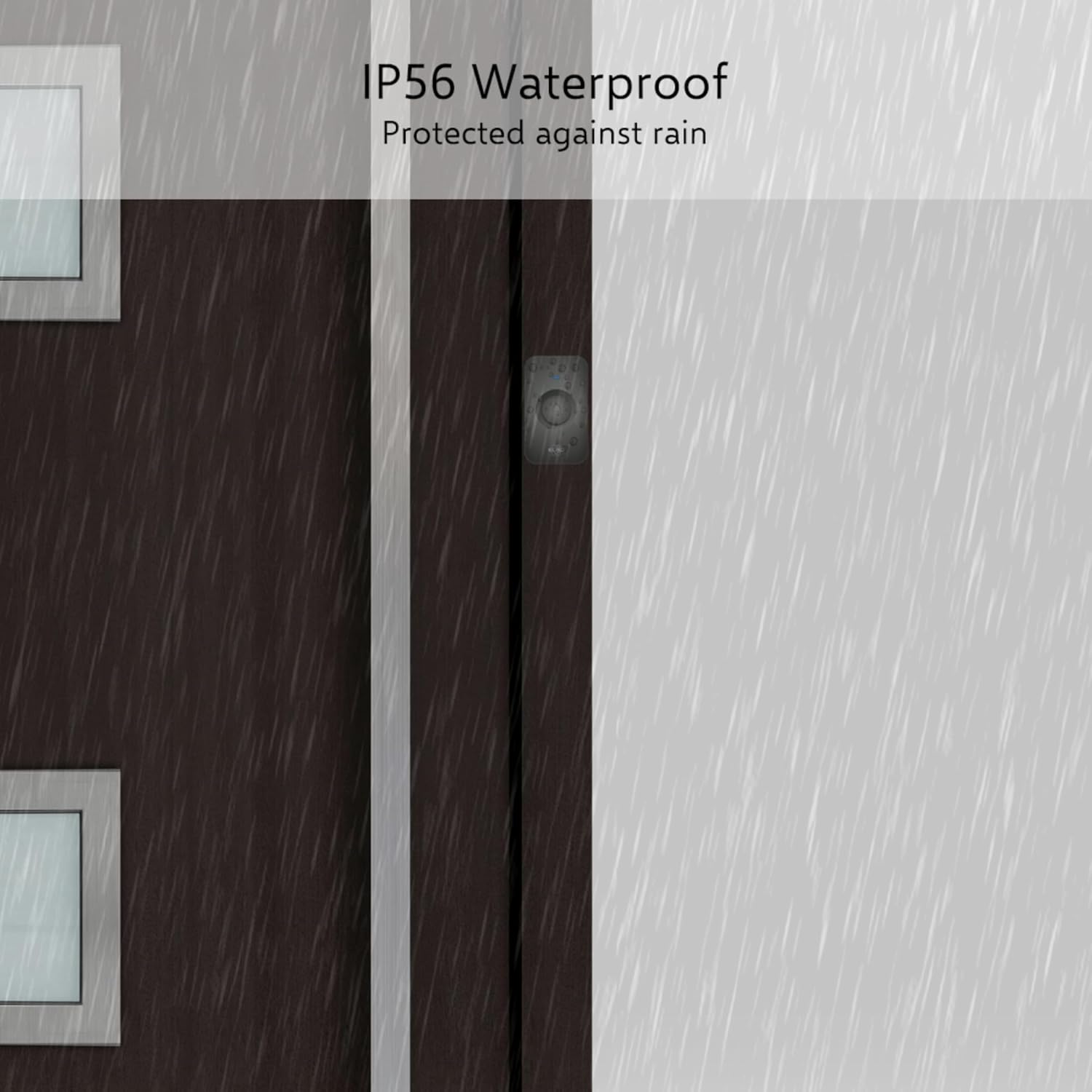
Image 4: Doorbell push button demonstrating IP56 waterproof feature.

Image 5: Portable receiver in use in a garden setting.
4. Kev teeb tsa thiab kev teeb tsa
The ELRO DB3000 doorbell set is pre-paired at the factory for immediate use. Installation is quick and straightforward.
4.1. Kev teeb tsa roj teeb
- Rau Receivers: Open the battery compartment on the back of each indoor receiver. Insert the provided AAA batteries, ensuring correct polarity (+/-).
- Rau Push Button: Open the battery compartment on the back of the doorbell push button. Insert the provided 12V/23A battery, ensuring correct polarity (+/-).

Image 6: Battery installation for receiver and push button.
4.2. Kev teeb tsa lub pob khawm
The doorbell push button can be installed using either the included adhesive strips or screws.
- Using Adhesive Strips: Clean the desired mounting surface thoroughly. Remove the protective backing from the adhesive strips and firmly press the push button onto the surface.
- Siv Screws: Mark the desired mounting location. Drill pilot holes if necessary. Secure the push button to the wall using the provided screws and wall plugs.

Image 7: Doorbell push button dimensions and mounting options.
4.3. Placing the Receivers
Place the indoor receiver units in desired locations within your home. Ensure they are within the wireless range of the push button. Since they are battery-operated, they can be moved freely.
5. Cov lus qhia ua haujlwm
5.1. Kho qhov ntim
The volume of the receiver can be adjusted to 5 different levels, up to a maximum of 110 dB. Use the volume control buttons on the side of the receiver to increase or decrease the sound level.

Image 8: Volume control settings on the receiver.
5.2. Hloov Cov Nkauj
The doorbell offers 64 different melodies. To change the melody, press the melody selection button on the side of the receiver. Cycle through the options until you find your preferred chime.
| Tsis muaj. | Suab paj nruag | Tsis muaj. | Suab paj nruag |
|---|---|---|---|
| 1 | Ding Dong 1 | 33 | ua mi |
| 2 | Ding Dong 2 | 34 | Chopin - Cat Waltz |
| 3 | Ding Dong 3 | 35 | Peb Xav Kom Koj Zoo Siab Christmas |
| 4 | Ding Dong 4 | 36 | Beethoven - Ode to Joy |
| 5 | Ding Dong 5 | 37 | Pachelbel - Canon |
| 6 | Tingeling 1 | 38 | Ragtime |
| 7 | Tingeling 2 | 39 | The Beatles - Hey Jude |
| 8 | Für Elise | 40 | Barbara Streisand - Memory |
| 9 | Childhood memories | 41 | Chopin - Spring Waltz |
| 10 | Bach - Minuet | 42 | If You're Happy and You Know It |
| 11 | Cuckoo Waltz | 43 | Tus Me Me Me |
| 12 | Strauss - Radetzky March | 44 | Doraemon |
| 13 | London Choj yog ntog | 45 | Strauss- The Blue Danube |
| 14 | Chopin - Nocturne | 46 | Tus Neeg Kho Siab Goatherd |
| 15 | Zoo siab hnub yug | 47 | Suav Dance |
| 16 | Jingle Tswb | 48 | Scott Joplin - The Entertainer |
| 17 | Sib Hlub | 49 | Glenn Miller-American Patrol |
| 18 | Tchaikovsky - 1812 Overture | 50 | The Voice of Spring Waltz |
| 19 | Mozart - Turkish March | 51 | Kaum Ib Tug Neeg Qhab |
| 20 | Carlos Gardel - Por una Cabeza | 52 | The Matador |
| 21 | Verdi - La Traviata | 53 | Twinkle Twinkle Little Star |
| 22 | Celine Dion - My Heart Will Go On (Titanic) | 54 | Piano Fantasy |
| 23 | Dance of the Little Swans | 55 | The Lady of the Camellias |
| 24 | Russian Dance from Nutcracker Suite | 56 | Mozart - Symphony No40 |
| 25 | A tale of the sacred mountain | 57 | Dance of the Fireflies |
| 26 | Dance of the Reed Flutes from Nutcracker Suite | 58 | Strauss - Annen Polka |
| 27 | Chinese Dance from Nutcracker Suite | 59 | India Song 1 |
| 28 | The Mail Troika Rushing | 60 | India Song 2 |
| 29 | Chinese Song | 61 | Dingdong Kev |
| 30 | Santa Claus is coming to town | 62 | Westminster Chimes |
| 31 | Brahms - Hungarian Dance No. 5 | 63 | Dingding Dong |
| 32 | Woody Herman - The Golden Wedding | 64 | Tswb |

Image 9: List of 64 available melodies.
5.3. LED qhov taw qhia
The indoor receiver units are equipped with a bright blue flashing LED light. This light illuminates when the doorbell rings, providing a visual alert in addition to the audible chime.

Image 10: Receiver with LED indicator.
6. Kev tu
- Ntxuav: Wipe the doorbell push button and receiver units with a soft, dry cloth. Avoid using abrasive cleaners or solvents.
- Hloov roj teeb: Replace batteries in both the push button and receivers when the performance degrades (e.g., reduced range, faint sound, or no LED light). Ensure to use the correct battery types (AAA for receivers, 12V/23A for push button) and dispose of old batteries responsibly.
- Ib puag ncig tej yam kev mob: While the push button is waterproof, extreme temperatures or prolonged direct sunlight may affect battery life and performance.
7. Kev daws teeb meem
- No Sound from Receiver:
- Check if the receiver batteries are correctly inserted and not depleted.
- Ensure the volume is not set to 0%.
- Verify the push button battery is functional.
- Confirm the receiver is within range of the push button.
- Lub Wireless Range luv dua:
- Replace batteries in both the push button and receivers.
- Ensure there are no major metallic obstructions or thick walls between the push button and receiver.
- Avoid placing the receiver near other wireless devices that might cause interference.
- Doorbell Not Ringing Consistently:
- Check battery levels in both units.
- Ensure the push button is securely mounted and not obstructed.
- If issues persist, re-pairing the units might be necessary (refer to manufacturer's specific re-pairing instructions if available, as this manual assumes pre-pairing).
8. Cov lus qhia tshwj xeeb
| Feature | Paub meej |
|---|---|
| Qauv nab npawb | DB 3000 |
| Khwv wireless | Txog li 300 meters (qhib cheeb tsam) |
| Suab paj nruag | 64 |
| Qib Qib | 5 (up to 110 dB) |
| Waterproof Rating (Push Button) | IP56 |
| Power Source (Push Button) | 1x 12V/23A battery (included) |
| Qhov Chaw Fais Fab (Tus Txais) | 3 x AAA roj teeb (nrog) |
| Push Button Dimensions | Approx. 4 cm x 7 cm |
| Txais Dimensions | Kwv yees li. 8 x 8 cm x 3.5 cm |
| Chaw tsim tshuaj paus | ELRO Europe |

Image 11: Receiver dimensions.
9. Warranty thiab Support
For warranty information and customer support, please refer to the documentation provided with your purchase or visit the official ELRO webqhov chaw. Khaws koj cov ntaub ntawv pov thawj ntawm kev yuav khoom rau kev lees paub.
Ask a question about this manual
Ask about setup, troubleshooting, compatibility, parts, safety, or missing instructions. Manuals+ will review the question and use this page’s manual context to help answer it.