
REXING H6
REXING Woodlens H6 Lub Koob Yees Duab Ob Lub Koob Yees Duab Kev Siv Phau Ntawv Qhia
Qauv: H6
1. Taw qhia
The REXING Woodlens H6 is an advanced dual-camera trail camera designed for capturing high-quality video and still images of wildlife, property, or other outdoor subjects. Featuring both a 4K Ultra HD lens for daytime recording and an FHD Infrared lens for night vision, the H6 ensures clear visuals in various lighting conditions. Its robust, weather-resistant design and long standby time make it an ideal solution for extended outdoor surveillance.
2. Khoom Tshajview thiab Cov Nta Tseem Ceeb
- Dual Lub Koob Yees Duab System: Captures 4K Ultra HD video during the day and FHD Infrared video at night with simultaneous audio recording. Designed to avoid IR CUT switching sounds that might disturb wildlife.
- High-Resolution Duab: Supports up to 20MP still images and cinematic video quality.
- Integrated LCD & Speaker: Features a built-in 2.4-inch LCD screen and speaker for direct viewing and editing of recordings without external devices.
- Advanced Night Vision: Equipped with 35M IR Flash and double 850nm high-powered Infrared lights, illuminating subjects up to 65 feet away for clear night images.
- Ceev Ceev: Responds to motion within 0.2 seconds via 110° PIR sensors (Front + Side Sensor).
- Cov Kev Xaiv Sau Tseg Uas Yooj Yim: Allows manual scheduling for recording start/stop times and supports time-lapse videos and photos.
- Durable and Secure Design: IP66 rated sturdy open/close case protects against rain and dust. The camera can be password-protected and secured with a lock.
- Extended Standby: Supports up to 512GB SD card and offers up to 12 months of standby time.
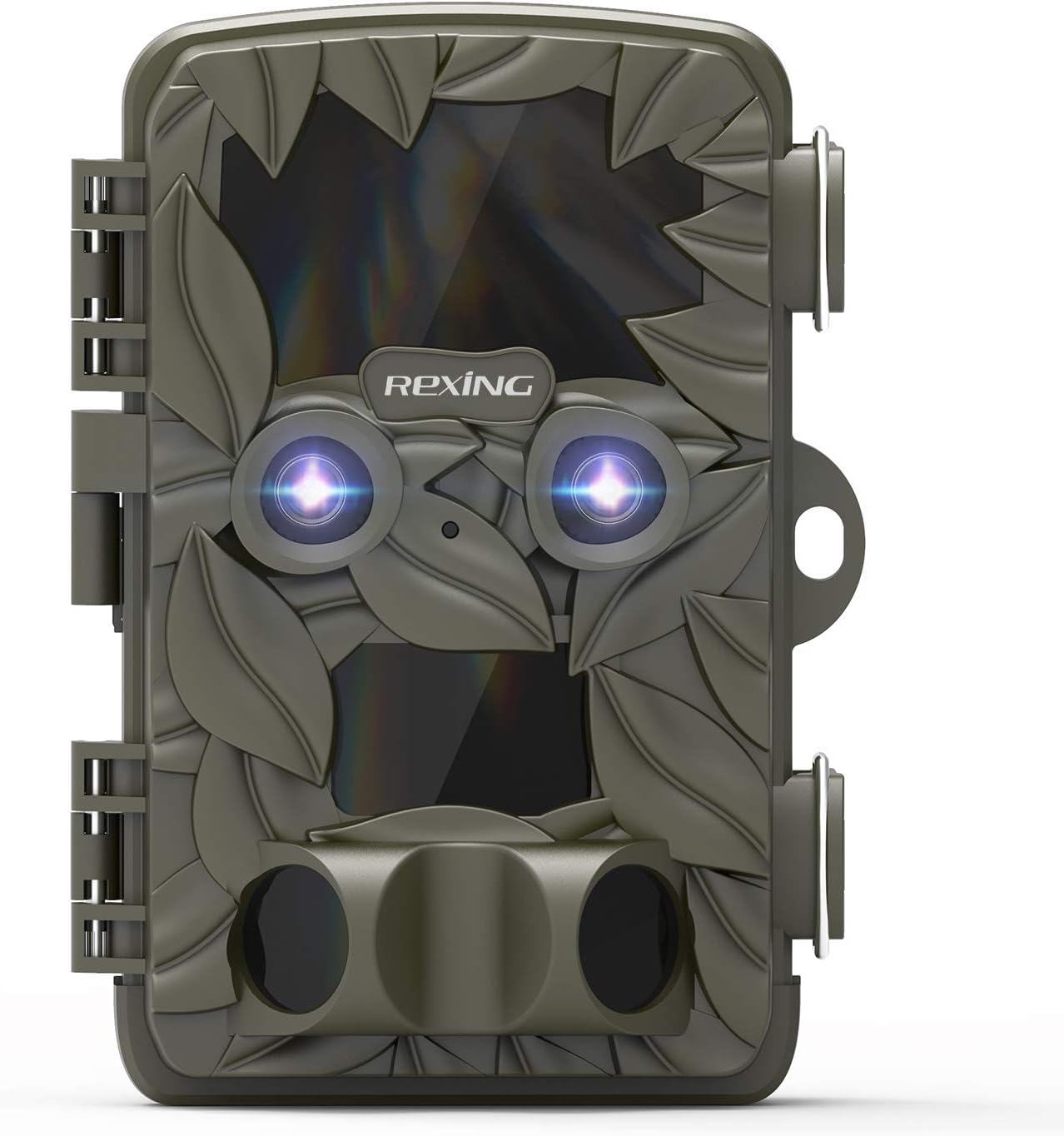
Daim duab 2.1: Pem hauv ntej view of the REXING Woodlens H6 Trail Camera, showcasing its camouflage design and dual lenses.
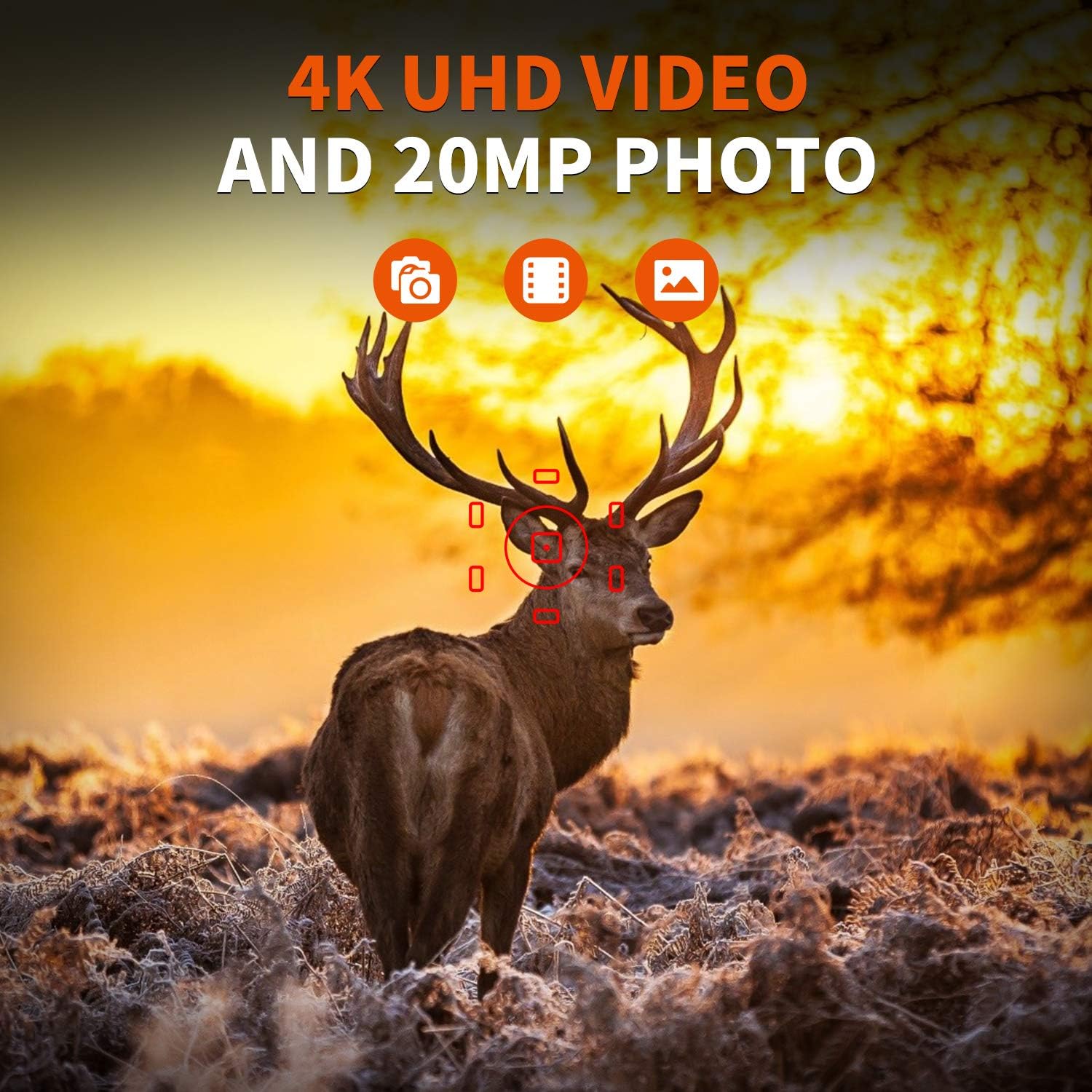
Figure 2.2: The REXING Woodlens H6 captures stunning 4K UHD video and 20MP photos, as demonstrated by this image of a deer in its natural habitat.
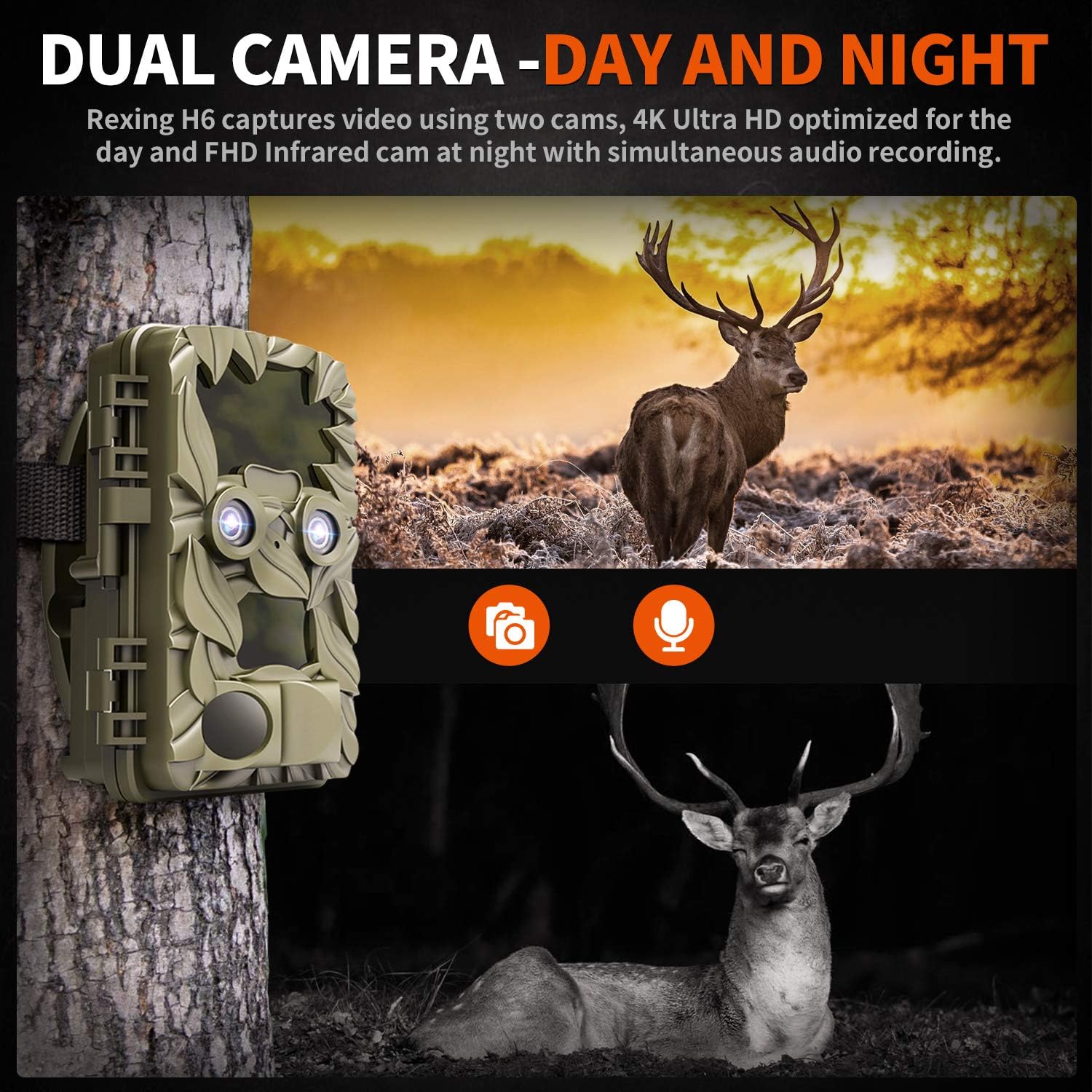
Figure 2.3: The H6 features a dual camera system, optimized for both day (4K) and night (FHD Infrared) recording, ensuring comprehensive surveillance around the clock.

Figure 2.4: Enhanced night vision capabilities of the H6, capturing clear images of wildlife up to 35 meters away in low light conditions, without disturbing sounds.

Figure 2.5: The H6 boasts a 120-degree detection angle and an ultra-fast 0.2-second trigger speed, ensuring no motion is missed.

Figure 2.6: Built to withstand the elements, the H6 is IP56 rated, making it resistant to heavy rain, ice, snow, dust, and mud.

Figure 2.7: The H6 is designed for low power consumption, compatible with 8x AA batteries, providing up to 12 months of standby time.

Figure 2.8: The REXING Woodlens H6 is versatile, suitable for multiple applications including wildlife monitoring, farm surveillance, and security.
3. Cov ntsiab lus ntawm pob
Thov xyuas lub pob ntawv kom paub meej tias txhua yam khoom muaj nyob:
- REXING Woodlens H6 Trail Camera
- Mounting Pluaj
- USB Cable
- AV Kab
- Cov neeg siv phau ntawv
- (Optional: 8x AA Batteries - check product packaging)
4. Teeb tsa
4.1 Kev teeb tsa roj teeb
- Open the camera's outer casing los ntawm kev qhib cov clips sab.
- Nrhiav lub roj teeb compartment.
- Insert 8x AA batteries, ensuring correct polarity (+/-) as indicated inside the compartment.
- Kaw lub roj teeb lub hau npog kom ruaj ntseg.
4.2 SD Card Insertion
- With the camera open, locate the SD card slot.
- Insert a compatible SD card (up to 512GB) into the slot until it clicks into place. Ensure the card is inserted in the correct orientation.
- It is recommended to format the SD card via the camera's menu before first use.
4.3 Txhim Kho Lub Koob Yees Duab
- Select a suitable location for the camera, such as a tree or pole, ensuring a clear view ntawm thaj chaw uas xav tau.
- Thread the provided mounting strap through the slots on the back of the camera.
- Securely fasten the strap around the tree or pole, adjusting the camera's angle as needed.
- Alternatively, the camera can be wall-mounted using appropriate hardware (not included) via the mounting point.
4.4 Pib Fais fab Pib
- After installing batteries and SD card, switch the camera to the "ON" position.
- The LCD screen will power on, and you can begin configuring settings.
5. Cov lus qhia ua haujlwm
5.1 Navigating Menu
Use the control buttons (MENU, UP, DOWN, LEFT, RIGHT, OK, SHOT) located next to the LCD screen to navigate through the camera's settings and modes.
- CEEB TOOM: Nkag mus rau cov ntawv qhia zaub mov tseem ceeb.
- UP / down: Navigates los ntawm cov kev xaiv zaub mov.
- LEEJ TWG/RIGHT: Adjusts values or selects sub-options.
- Ua li: Pom zoo xaiv.
- KHO: Manually takes a photo or starts/stops video recording in preview hom.
5.2 Hom Kev Kaw Suab
The H6 supports various recording modes:
- Yees duab hom: Captures still images (up to 20MP).
- Video hom: Records video (4K UHD day, FHD night).
- Yees duab + Video hom: Captures a still image followed by a video clip upon detection.
- Lub Sijhawm Lapse Hom: Captures photos or videos at set intervals to create time-lapse sequences.
5.3 Setting Up Scheduled Recording
To set specific times for the camera to operate:
- Nkag mus rau MENU.
- Navigate to the "Timer" or "Schedule" setting.
- Set the desired start and end times for recording. The camera will only be active during these periods.
5.4 Viewing and Managing Recordings
Cov ntaub ntawv tuaj yeem ua tau viewed directly on the camera or on an external device:
- Kev Ua Si Hauv Lub Koob Yees Duab: Use the built-in 2.4-inch LCD screen and navigation buttons to review captured duab thiab yeeb yaj duab.
- Kev sib txuas TV: Connect the camera to a TV using the provided AV cable to view recordings on a larger screen.
- Kev sib txuas hauv computer: Connect the camera to a computer via the USB cable, or remove the SD card and insert it into a card reader, to transfer and view files.
5.5 Kev Tiv Thaiv Tus Kheej
To prevent unauthorized access to your camera settings and recordings:
- Nkag mus rau MENU.
- Navigate to the "Password" or "Security" setting.
- Set a 4-digit PIN. Remember this PIN as it will be required to access the camera.
Video 5.1: Official product video demonstrating the features and operation of the REXING Woodlens H6 Trail Camera, including its dual lens capabilities, night vision, and user interface.
6. Kev tu
- Ntxuav: Use a soft, dry cloth to clean the camera body and lenses. Avoid abrasive cleaners or solvents.
- Hloov roj teeb: Replace all batteries simultaneously when the low battery indicator appears to ensure optimal performance and prevent leakage.
- Kev Tswj Daim Ntawv SD: Regularly back up important recordings and format the SD card periodically to maintain optimal recording performance and prevent data corruption.
- Cia: When not in use for extended periods, remove batteries and store the camera in a cool, dry place away from direct sunlight.
7. Kev daws teeb meem
| Teeb meem | Ua Tau | Kev daws |
|---|---|---|
| Lub koob yees duab tsis muaj hwj chim. | Cov roj teeb qis lossis tuag; kev teeb tsa roj teeb tsis raug. | Replace all batteries with new ones, ensuring correct polarity. |
| Camera stops functioning after installation / No data recorded. | SD card full or corrupted; incorrect SD card insertion; camera settings preventing recording. | Format the SD card (backup data first); ensure SD card is properly inserted; check recording mode and schedule settings. Ensure sufficient battery power. |
| Poor image/video quality at night. | IR lights obstructed; subject too far; low battery affecting IR performance. | Ensure clear line of sight for IR lights; position camera closer to subjects (within 65ft); replace batteries. |
| Camera not triggering motion. | PIR sensor obstructed; sensitivity setting too low; subject outside detection range. | Clear obstructions from PIR sensors; increase PIR sensitivity in settings; ensure subjects pass within the 110° detection angle. |
| Camera screen counts down and switches off. | This is normal behavior for the camera to enter monitoring mode after a brief display. | No action required. The camera is functioning as designed. |
| No Wi-Fi connectivity. | The REXING Woodlens H6 model does not feature Wi-Fi connectivity. | This model requires direct connection via AV/USB cable or SD card removal for data transfer. |
8. Cov lus qhia tshwj xeeb
| Feature | Paub meej |
|---|---|
| Hom | REXING |
| Qauv | H6 |
| Video Capture daws teeb meem | 2160p (4K UHD) |
| Kev daws teeb meem tseem ceeb | 20 MP |
| Yees duab Sensor Technology | CMOS |
| Hmo Ntuj Pom Kev | 35M IR Flash, Double 850nm High Powered Infrared Light |
| PIR Nrhiav Lub Ntsej Muag | 110° (Front + Side Sensor) |
| Lub cev nrawm | 0.2 vib nas this |
| Zaub | Built-in 2.4-inch LCD |
| Cia | SD Card (txog 512GB) |
| Hwj chim Source | 8x AA Batteries (12 Month Standby) |
| Kev sib txuas | AV Output, USB |
| International Protection Rating | IP66 |
| Yam Pob Dimensions | 7.68 x 4.92 x 3.9 po |
| Pob luj | 0.61 kg ib |
| UPC | 810046601815 |
9. Warranty thiab Support
For warranty information and technical support, please refer to the official REXING website lossis tiv tauj lawv cov neeg siv khoom ncaj qha. Khaws koj daim ntawv yuav khoom ua pov thawj ntawm kev yuav khoom rau txhua qhov kev lees paub.
Tiv tauj xov tooj:
- Webqhov chaw: www.rexingusa.com (Please verify the official website for the most current information)
- Email: Xa mus rau lub webqhov chaw rau email txhawb nqa.
- Xov tooj: Xa mus rau lub weblub xaib rau tus xov tooj txhawb nqa.
Ask a question about this manual
Ask about setup, troubleshooting, compatibility, parts, safety, or missing instructions. Manuals+ will review the question and use this page’s manual context to help answer it.