
1. Taw qhia
Ua tsaug rau kev yuav khoomasing the BYINTEK R17 Pro Portable Smart 3D DLP Projector. This manual provides essential information for safe and effective use of your device. Please read it thoroughly before operation and retain it for future reference.
The BYINTEK R17 Pro is a versatile portable projector featuring Android 9.0 OS, 4K decoding support, 3D capabilities, and a built-in battery, making it ideal for various entertainment and presentation needs. It also supports multiple languages including English, Russian, Arabic, Korean, Japanese, French, German, Italian, Spanish, Chinese, Vietnamese, Polish, and Traditional Chinese.
2. Cov ntaub ntawv kev nyab xeeb
- Tsis txhob ntsia ncaj qha rau hauv lub qhov projector lens thaum lamp yog nyob rau.
- Keep the projector away from water or other liquids to prevent electric shock.
- Tsis txhob thaiv qhov qhib qhov cua kom tsis txhob muaj cua sov.
- Siv tsuas yog lub adapter fais fab uas lub chaw tsim khoom muab.
- Tsis txhob tso lub projector rau ntawm qhov chaw tsis ruaj khov.
- Tsis txhob sim rhuav lossis kho lub projector koj tus kheej. Tiv tauj cov neeg ua haujlwm pabcuam uas tsim nyog.
- Khaws lub projector rau hauv qhov chaw txias, qhuav thaum tsis siv.
3. Cov ntsiab lus ntawm pob
Thov xyuas cov ntsiab lus ntawm pob thaum unboxing kom paub meej tias txhua yam khoom muaj nyob:
- BYINTEK R17 Pro Projector
- Fais fab Adapter
- Chaw taws teeb tswj
- Tus Neeg Siv Los Siv (cov ntawv no)
- HDMI Cable (tej zaum yuav txawv ntawm thaj chaw)

Duab: Ib sab nthuav dav view of the BYINTEK R17 Pro projector, highlighting its compact and portable design.
4. Teeb Qhia
4.1 Hwj chim Rau/Tawm
- Txuas lub zog: Plug the power adapter into the projector's DC input port and then into a power outlet.
- Hwj chim On: Nias lub khawm fais fab ntawm lub projector lossis lub chaw taws teeb tswj. Lub teeb qhia yuav ci.
- Fais fab tawm: Nias lub khawm fais fab dua. Yog tias nug, paub tseeb tias kaw.
4.2 Kev Tso Chaw thiab Kev Tso Tawm
Position the projector on a stable, flat surface. Ensure there are no obstructions in front of the lens. The ideal projection distance ranges from 1 to 8 meters, producing a screen size of 30 to 300 inches.
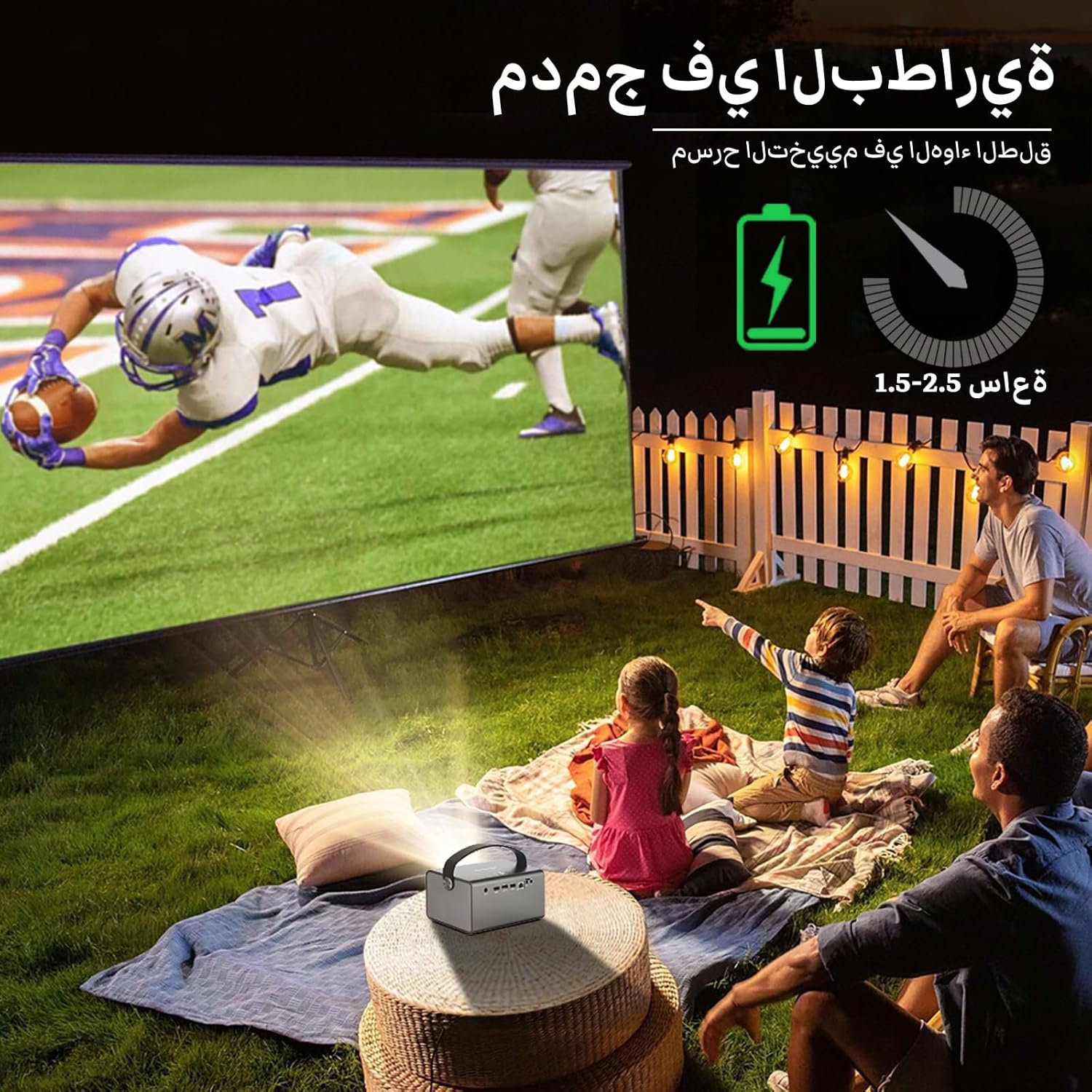
Image: The BYINTEK R17 Pro projector in an outdoor setting, demonstrating its portable use for entertainment. The image shows a football game projected onto a large screen, with people watching comfortably. This highlights the projector's battery life and suitability for outdoor events.
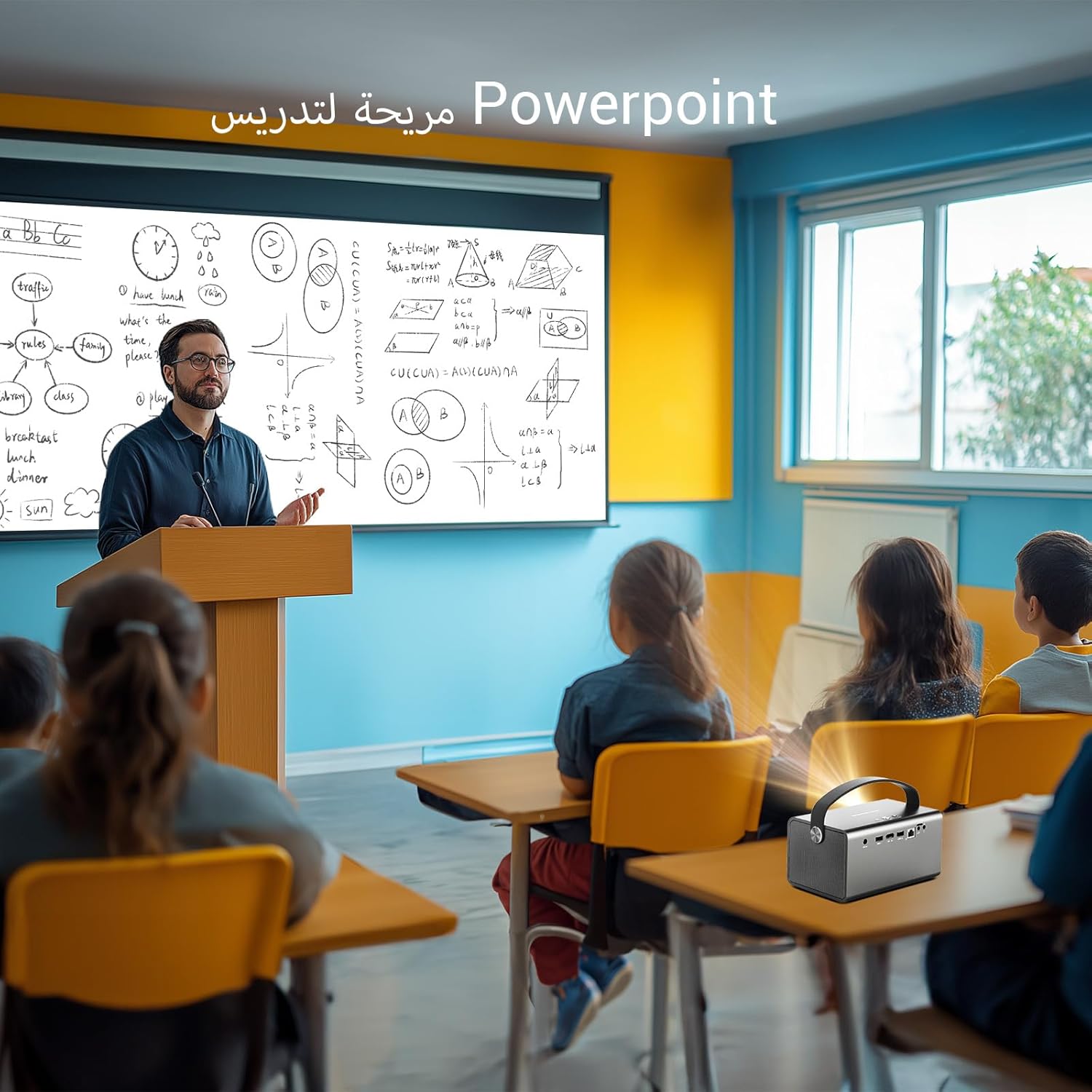
Image: The BYINTEK R17 Pro projector being used in a classroom to display a PowerPoint presentation. This illustrates its utility for educational purposes and presentations in various environments.
4.3 Ua kom pom tseeb thiab Keystone kho
- Hluav taws xob tsom: Use the remote control to adjust the focus until the image is clear.
- Automatic Keystone Kho: The projector supports automatic vertical keystone correction.
- Phau Ntawv Keystone Kho: For side projections or specific adjustments, use the manual keystone correction feature via the settings menu. This includes corner keystone correction.
5. Kev ua haujlwm
5.1 Navigating the Android 9.0 System
The BYINTEK R17 Pro runs on Android 9.0, providing a smart interface. Use the remote control or a connected air mouse to navigate through menus, launch applications, and adjust settings.
- Tsev Screen: Access pre-installed apps and system settings.
- App Store: Download additional applications for streaming, productivity, or gaming.
- Kev teeb tsa: Configure Wi-Fi, Bluetooth, display, sound, and other system preferences.
5.2 Media Playback
The projector supports various media formats and sources:
- USB Storage: Connect a USB drive or SSD (up to 32GB) to play videos, music, or view duab.
- Online Streaming: Use pre-installed or downloaded streaming apps via Wi-Fi.
- 3D Cov ntsiab lus: The projector supports Blu-ray 3D. Ensure your 3D content and glasses are compatible.

Image: A couple enjoying a Blu-ray 3D movie projected by the BYINTEK R17 Pro. The image showcases the projector's ability to display immersive 3D content with vivid colors.
5.3 Screen Mirroring (Wi-Fi Display)
Mirror your smartphone, tablet, or computer screen wirelessly to the projector using Airplay, Miracast, or DLNA (Eshare app is pre-installed).
- Ensure both your device and the projector are connected to the same Wi-Fi network.
- Open the Eshare app on the projector.
- On your mobile device, activate screen mirroring (e.g., Airplay for iOS, Smart View/Screen Cast for Android).
- Select the projector from the list of available devices.

Image: The BYINTEK R17 Pro projector wirelessly displaying a racing game from a smartphone. This demonstrates the screen mirroring feature for gaming and mobile content.
6. Kev sib txuas
The BYINTEK R17 Pro offers multiple connectivity options:
- HDMI 2.0: Connect external devices like game consoles (e.g., PS4), computers, Blu-ray players, or TV boxes. Supports up to 4K input.
- USB 2.0 / USB 3.0: For connecting USB storage devices, external mice, game controllers, or 2.4GHz air mice.
- Suab Tawm: Txuas cov neeg hais lus sab nraud lossis lub mloog pob ntseg rau lub suab zoo dua.
- Wi-Fi (2.4GHz/5GHz): For internet access and wireless screen mirroring.
- Bluetooth 5.0: Cov For connecting Bluetooth speakers, headphones, or other compatible accessories.
7. Kev tu
7.1 Ntxuav Lub Lens
Use a soft, lint-free cloth specifically designed for optical lenses. Do not use abrasive cleaners or excessive force, as this can scratch the lens.
7.2 Ntxuav lub Projector Lub Cev
Wipe the exterior of the projector with a soft, dry cloth. Avoid using chemical cleaners that may damage the finish.
7.3 Cia khoom
When not in use for extended periods, store the projector in its original packaging or a protective case in a cool, dry, dust-free environment.
8. Kev daws teeb meem
| Teeb meem | Ua Tau | Kev daws |
|---|---|---|
| Tsis muaj duab tso tawm | Power not connected; input source incorrect; lens cap on. | Check power connection; select correct input source (HDMI, USB, etc.); remove lens cap. |
| Duab yog qhov muag plooj | Focus not adjusted; projector too far/close. | Adjust electric focus using the remote; reposition the projector within optimal distance. |
| Duab yog distorted (trapezoid puab) | Keystone correction needed. | Use auto or manual keystone correction in settings. |
| Tsis muaj suab | Volume too low; external speakers not connected/configured; audio output muted. | Increase volume; check external speaker connection; unmute audio. |
| Wi-Fi kev twb kev txuas teeb meem | Incorrect password; out of range; router issues. | Verify password; move closer to router; restart router and projector. |
| Lub projector kaw tsis tau xav txog | Overheating; low battery. | Ensure ventilation is clear; charge the battery or connect to power. |
9. Cov lus qhia tshwj xeeb
| Feature | Paub meej |
|---|---|
| Hom | BYINTEK |
| Qauv | R17 Pro |
| Lub Cav | TI 0.47 inch DMD WVGA |
| Lub teeb Source | OSRAM RGB 3LED |
| Lub Teeb Lub Neej | 50,000 hnu |
| Brightness | 750 ANSI Lumens |
| Qhov sib piv piv | 10,000:1 ua |
| Native Resolution | 1280 x 800 (supports up to 4K input) |
| Aspect Ratio | 16: 10 / 16: 9 / 4: 3 |
| Tawm-axis | 100% |
| Pov qhov ratio | 1.2:1 ua |
| Qhov Loj | 30-300 po |
| Projection nrug | 1-8 m |
| Ua kom pom tseeb hom | Electric Motor Focus |
| Zoom | Remote Electric Zoom |
| Kho Kom Raug Ntsiab | Auto/Manual Vertical, Manual Corner |
| Kev Ua Haujlwm | Hauv 9.0 |
| CPU | MTK Contex A53 Quad-core |
| GPU | Mali-G52 |
| RAM | 2 GB DDR3 |
| ROM | 32 GB EMMC |
| Wi-nkaus | Dual-band 2.4GHz / 5GHz |
| Bluetooth | Bluetooth 5.0 |
| Wi-Fi zaub | Airplay, Miracast, DLNA (Eshare pre-installed) |
| Roj teeb | Built-in 11.1V 5200mAh (15600mAh equivalent) Lithium-ion, 1.5-2.5 hours life |
| Cov neeg hais lus | 2 x 5W Lub Rooj Hais Lus Stereo |
| Input Ports | HDMI 2.0 (supports 4K input), USB 2.0, USB 3.0 |
| Output Ports | Audio Out |
| Khoom Dimensions | 19.3 x 12.3 x 10 cm |
| Yam Nyhav | 2.34, XNUMX kg |
| Tshwj xeeb nta | Auto Focus, Built-in Wi-Fi Receiver, Built-in 3D Display, Portable, Built-in Speaker |
10. Warranty & Kev Pab Txhawb
BYINTEK products come with a standard manufacturer's warranty. Please refer to the warranty card included in your package for specific terms and conditions. For technical support, service, or warranty claims, please contact BYINTEK customer service or visit the official BYINTEK webqhov chaw.
BYINTEK has a service center in Saudi Arabia to provide professional after-sales service. For more information, please visit the BYINTEK Store on Amazon.