
Taw qhia
This manual provides detailed instructions for the installation, operation, and maintenance of your Vortex Q21-5M Wi-Fi TV Light Strip. Please read this manual thoroughly before use to ensure proper functionality and safety.
The Vortex Q21-5M is a 5-meter USB-powered 5050RGBIC LED light strip designed for TV backlighting and ambient room lighting. It features multiple control options including a remote control, Tuya Wi-Fi APP, and voice control compatibility with Amazon Alexa, Google Assistant, and IFTTT. The light strip also includes music synchronization, a timer function, and dimming capabilities.
Dab tsi nyob hauv lub thawv
Xyuas kom tseeb tias tag nrho cov khoom muaj nyob hauv pob:
- 1 x LED Light Strip (5 Meters)
- 1 x Chaw taws teeb tswj
- 1 x Fais fab Adapter

Image: The main product image showing the LED light strip coiled, the remote control, the USB controller, and the power adapter, along with the product packaging.
Teeb cov lus qhia
- Npaj Qhov Nto: Ensure the installation surface (e.g., back of TV, wall, ceiling) is clean, dry, and smooth for optimal adhesive performance.
- Txuas cov Cheebtsam:
- Connect the LED light strip to the USB controller. Ensure the arrows on both connectors align for proper connection.
- Connect the USB controller to the power adapter.
- Txuas lub hwj chim adapter rau hauv lub qhov hluav taws xob txheem.
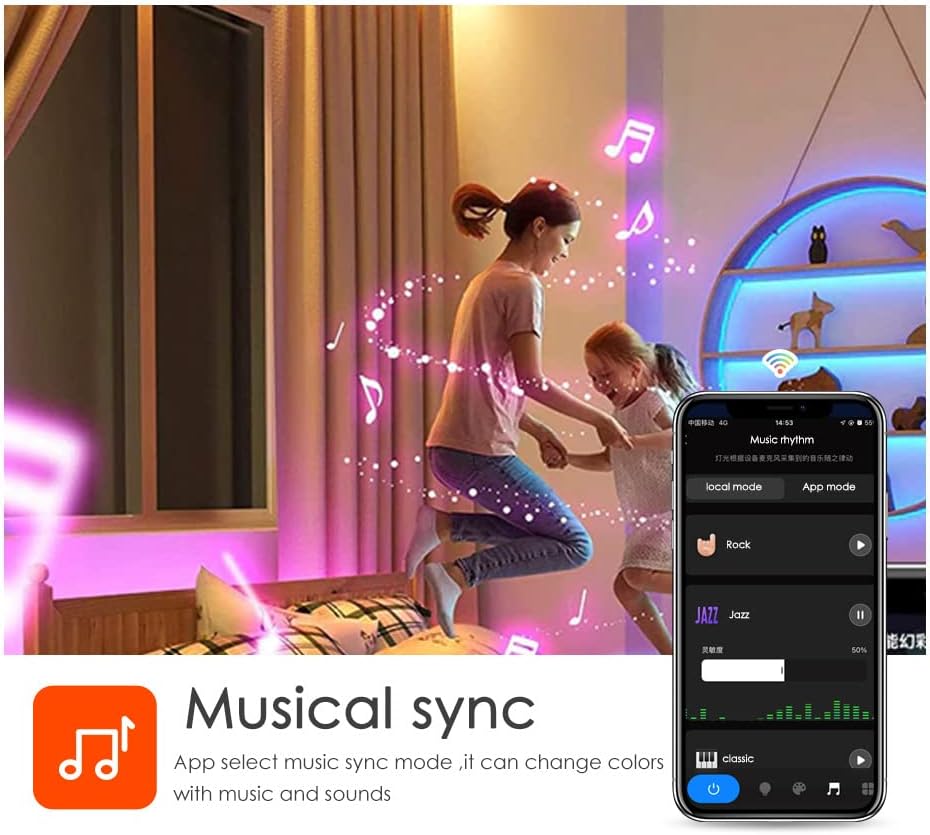
Image: A diagram illustrating the connection process between the LED strip and the USB controller, highlighting the importance of aligning the arrows on the connectors.
- Mount the Light Strip: Remove the adhesive backing from the LED strip and carefully press it onto the desired surface. Apply firm pressure for a few seconds to ensure a secure bond. The strip can be cut to length at designated marks if needed.

Duab: Paub meej view of the LED strip highlighting its features: 5050 SMD LEDs for vibrant light, cuttable sections for length customization, a safe resistor for LED protection, an RGB 4PIN connector for the Tuya Wi-Fi controller, and super high adhesive backing.
- Hwj chim On: Once connected, the light strip should illuminate.
- Download the Tuya Smart App:
- Scan the QR code provided in the packaging or visit https://smartapp.tuya.com/tuyasmart to download the Tuya Smart app.
- Sau npe los yog nkag mus rau hauv koj tus account Tuya Smart.
- Follow the in-app instructions to add your Vortex Q21-5M Wi-Fi TV Light Strip. Ensure your mobile device is connected to a 2.4GHz Wi-Fi network during the pairing process.
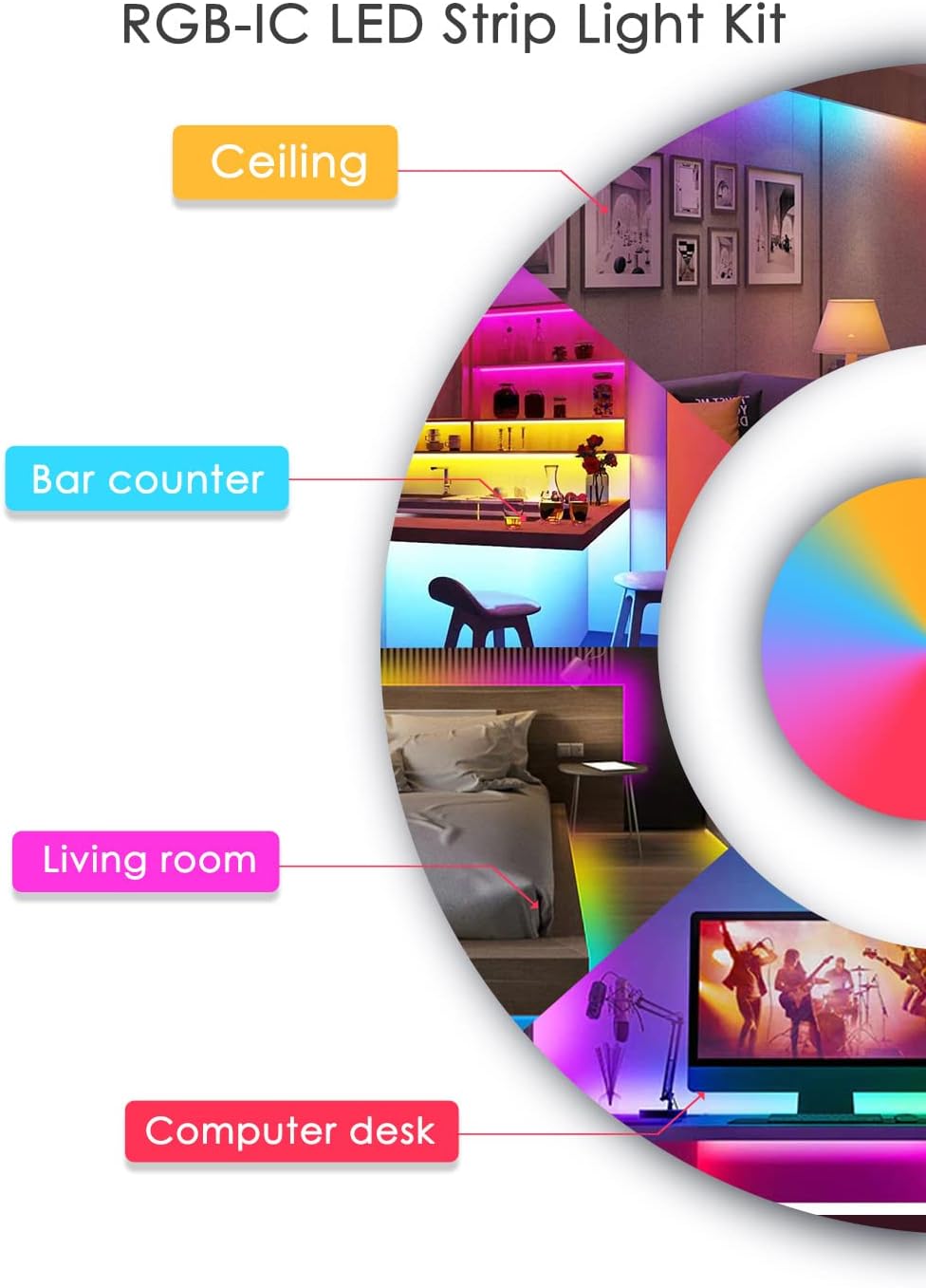
Image: Screenshots of the Tuya Smart app demonstrating various control modes: color adjustment, music synchronization, preset patterns, and timer settings.
Cov lus qhia ua haujlwm
Tswj txoj kev
- Chaw taws teeb tswj: Use the included remote control to power on/off, change colors, adjust brightness, and select preset modes. Refer to the remote's button layout for specific functions.
- Tuya Smart App: The Tuya Smart app offers comprehensive control over your light strip.
- Xim Customization: Select from a wide range of colors and adjust saturation.
- Scene Hom: Choose from various pre-programmed scene modes for different ambiances.
- Dimming muaj nuj nqi: Kho qhov ci ci rau koj nyiam.
- Timer muaj nuj nqi: Teem lub sijhawm rau lub teeb kom qhib lossis kaw cia li.
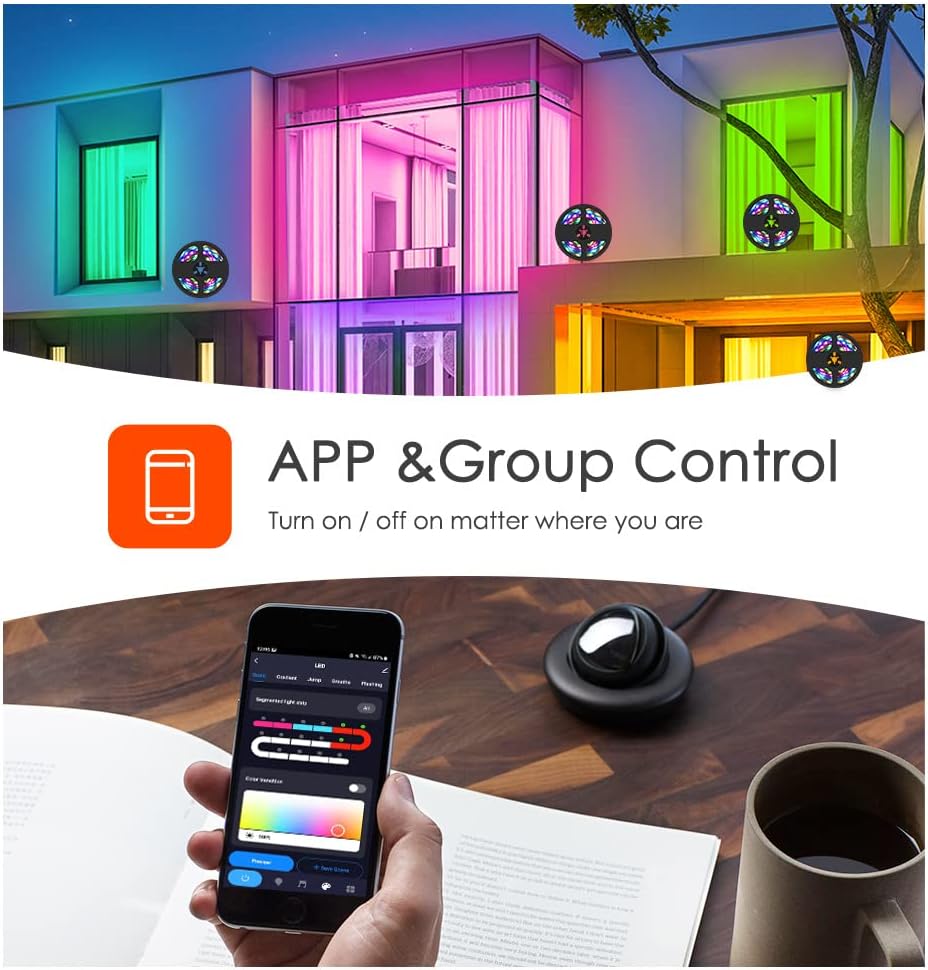
Image: A smartphone displaying the Tuya app, illustrating its capability for app and group control of lighting, allowing users to turn lights on/off remotely.
- Lub suab tswj: Integrate your light strip with smart voice assistants.
- Amazon Alexa: Link your Tuya Smart account to Alexa via the Alexa app. Use commands like "Alexa, turn on the light."
- Google Assistant: Link your Tuya Smart account to Google Assistant via the Google Home app.
- IFTTT: Create custom automations with IFTTT (If This Then That) for advanced control.

Image: A family interacting with an Amazon Alexa device to control the lights, showcasing smart voice control integration with Amazon Alexa, Google Assistant, and IFTTT.
- Music Synchronization: The built-in microphone allows the light strip to sync with music, creating dynamic light shows that react to audio. This feature can be activated via the Tuya Smart app.

Image: Individuals enjoying a room illuminated by LED strip lights that are synchronizing with music, controlled through a smartphone application.
Kev tu
- Ntxuav: Gently wipe the LED strip with a dry, soft cloth to remove dust. Do not use liquid cleaners or abrasive materials.
- Adhesive: If the adhesive weakens over time, use additional mounting clips or double-sided tape to secure the strip.
- Cia: If storing the light strip, ensure it is coiled loosely and kept in a dry, cool place away from direct sunlight.
Kev daws teeb meem
| Teeb meem | Ua Tau | Kev daws |
|---|---|---|
| Light strip does not turn on. | No power, loose connection, faulty power adapter. | Check power source. Ensure all connections are secure, especially the arrow alignment between the strip and controller. Try a different USB power source. |
| Txuas tsis tau Wi-Fi/App. | Incorrect Wi-Fi band (not 2.4GHz), incorrect password, device too far from router. | Ensure your phone is on a 2.4GHz Wi-Fi network. Verify Wi-Fi password. Move the light strip closer to the router. Reset the light strip and try pairing again. |
| Cov xim tsis raug lossis tsis sib xws. | Loose connection, app settings. | Check the connection between the strip and controller for proper arrow alignment. Adjust color settings in the Tuya Smart app. |
| Kev tswj chaw taws teeb tsis ua haujlwm. | Roj teeb depleted, thaiv, tej thaj chaw deb tawm ntawm ntau yam. | Replace the remote control battery. Ensure no obstructions between the remote and the light strip's receiver. Move closer to the light strip. |
Specifications
- Qauv: q21 ua
- Ntev: 5m ua
- LED Hom: 5050 RGBIC UAS
- Lub zog Source: USB zog, 5V
- Tswj txoj kev: Tuya Wi-Fi APP, Remote Control, Voice Control (Amazon Alexa, Google Assistant, IFTTT)
- Tshwj xeeb nta: Music Sync, Timer Function, Dimming Function, Waterproof (strip only)
- Kev siv sab hauv / sab nraum zoov: Sab hauv
- Khoom siv: Yas
- Yam khoom hnyav: 6.3 hli
Official Product Videos
Vortex RGB LED LIGHT STRIPS
Video: This video demonstrates the various color modes and effects of the Vortex RGB LED Light Strips, showcasing their dynamic lighting capabilities and how they can enhance different environments.
Vortex Color Light Strips (5m)
Video: A demonstration of the Vortex 5-meter Color Light Strips, highlighting their vibrant color output and ease of use in various settings.
Warranty thiab Support
For warranty information and customer support, please refer to the contact details provided in your product packaging or visit the official Vortex webqhov chaw. Khaws koj daim ntawv txais yuav khoom rau kev lees paub.
Txoj cai rov qab: Cov khoom no tsim nyog tau txais nyiaj rov qab lossis hloov pauv hauv 30 hnub ntawm kev yuav khoom.
Cov phiaj xwm tiv thaiv: Extended protection plans are available for purchase:
- 3-Year Protection Plan: $5.99 (one-time)
- 4-Year Protection Plan: $7.99 (one-time)
- NEW Complete Protect: $16.99 (monthly, covers all eligible past and future purchases)