
1. Taw qhia
Thank you for choosing the Bewinner Mini Body Camera 1080P. This portable and wearable video recorder is designed for various applications, including walking, riding, outdoor activities, and home monitoring. It features 1080P HD video recording, night vision, a 180° rotatable lens, and Wi-Fi connectivity for real-time monitoring. Please read this manual carefully to ensure proper use and optimal performance of your device.
2. Khoom Nta
- Multi-functionality: Supports video recording, photo capture, noise reduction recording, night vision mode, and motion detection.
- 180 ° Lub Lens Tig Tau: The lens can rotate 180 degrees, offering flexible recording angles and allowing use as a car dash camera.
- Direct Recording: Insert a memory card (up to 256GB, not included) to begin recording immediately.
- Kev sib txuas ntawm Wi-Fi: Enables real-time monitoring and video viewing directly on your smartphone via a dedicated app.
- Built-in Stereo Speaker: Provides synchronized audio and video playback for an enhanced viewhauv kev paub.

Daim duab 2.1: Tshajview of Bewinner Mini Body Camera features.
3. Teeb tsa
3.1 Kev them nyiaj yug ntaus ntawv
Before first use, fully charge the camera. Connect the camera to a USB power source using the provided USB cable. The charging indicator light will show the charging status and turn off when fully charged.
3.2 Ntxig ib daim npav nco
This camera supports a Micro SD card (TF card) up to 256GB. Ensure the camera is powered off before inserting or removing the memory card. Insert the card into the designated slot until it clicks into place.
3.3 Hwj chim Rau/Tawm
- Hwj chim On: Press and hold the Power button for a few seconds until the screen lights up.
- Fais fab tawm: Press and hold the Power button for a few seconds until the screen turns off.
4. Cov lus qhia ua haujlwm
4.1 Yees duab kaw
To start video recording, ensure a memory card is inserted. Press the Video Record button once. The recording indicator will illuminate or flash. Press the button again to stop recording. Videos are saved to the memory card.
4.2 Yees Duab
To take a photo, press the Photo button once. The camera will capture an image and save it to the memory card.

Figure 4.1: Simple operation with dedicated buttons for recording modes.
4.3 180° Rotatable Lens
The camera's lens can be manually rotated 180 degrees to adjust the recording angle as needed. This allows for versatile placement and capture from different perspectives.

Figure 4.2: The camera's lens can be rotated 180 degrees for flexible recording.
4.4 Hmo Ntuj Pom Kev Hom
The camera is equipped with 4 LED fill lights for night vision. To activate night vision, locate the dedicated night vision button or setting in the menu. This feature allows for clear recording in low-light conditions.
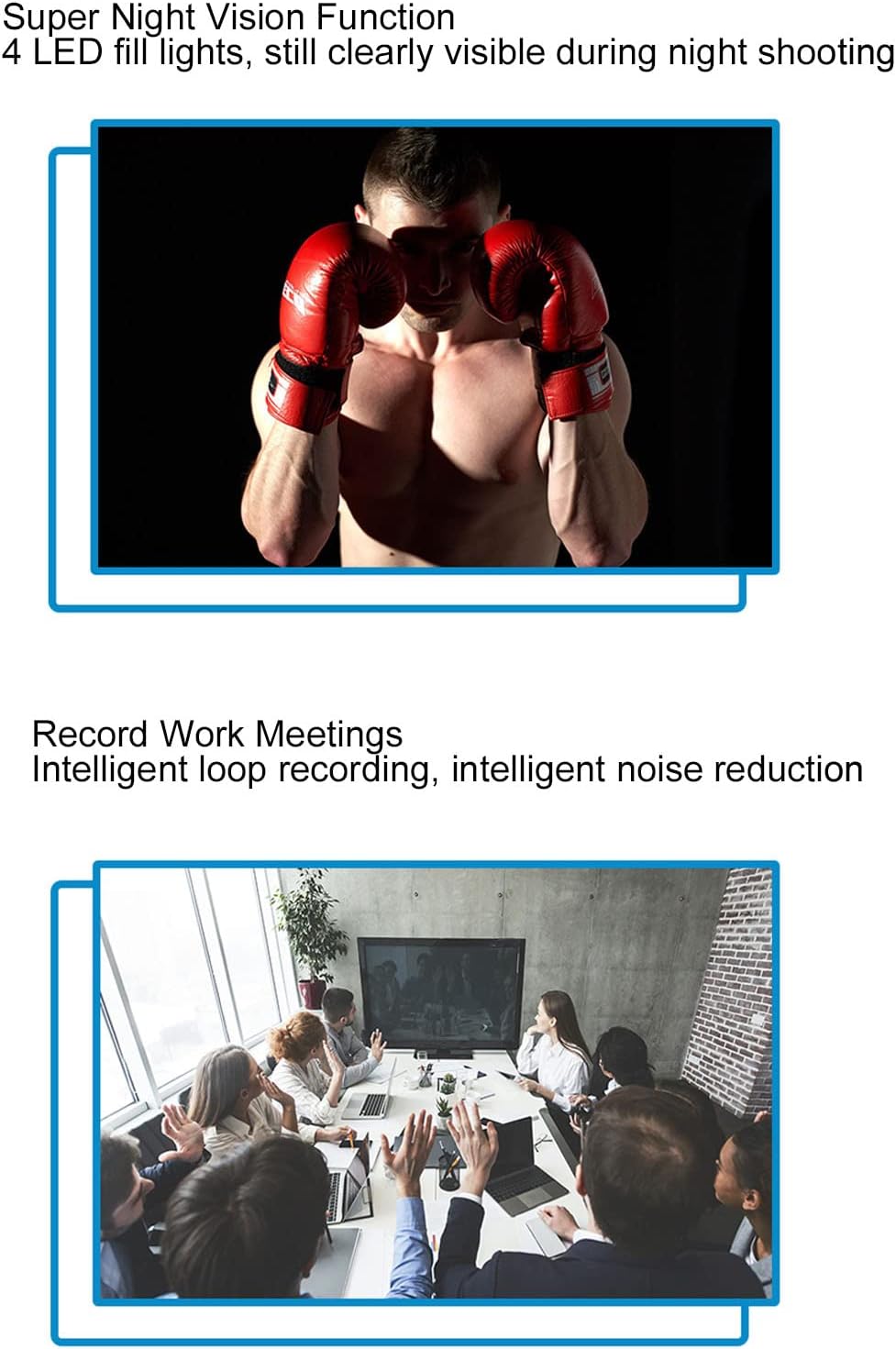
Figure 4.3: Night vision capability for clear recording in the dark.
4.5 Kev Tshawb Fawb
When motion detection is enabled, the camera will automatically begin recording when it detects movement within its field of view. This helps conserve memory and battery life by only recording relevant events.

Figure 4.4: Motion detection feature for automatic recording upon movement.
4.6 Wi-Fi Connection and Real-time Monitoring
The camera supports Wi-Fi connectivity, allowing you to connect it to your smartphone for real-time monitoring. Download the dedicated app (refer to the quick start guide for app name and download instructions). Once connected, you can view live foomtage, adjust settings, and review kaw tseg files directly on your phone.

Figure 4.5: Real-time monitoring via smartphone app using Wi-Fi connection.
4.7 Synchronized Audio and Video Playback
The built-in stereo external speaker ensures that audio is synchronized with video playback, providing a complete recording experience.
Video 4.1: Demonstration of the Bewinner Mini Body Camera's features and operation, including its 1080P HD recording capability.
5. Kev tu
- Ntxuav: Use a soft, dry cloth to clean the camera body. For the lens, use a specialized lens cleaning cloth and solution to avoid scratches.
- Cia: Khaws lub koob yees duab hauv qhov chaw txias, qhuav kom deb ntawm tshav ntuj ncaj qha thiab qhov kub thiab txias.
- Kev kho roj teeb: To prolong battery life, avoid fully discharging the battery frequently. Charge the camera regularly, even if not in use for extended periods.
- Daim npav nco: Periodically format the memory card to maintain optimal performance and prevent data corruption. Back up important files ua ntej formatting.
6. Kev daws teeb meem
| Teeb meem | Ua Tau | Kev daws |
|---|---|---|
| Lub koob yees duab tsis muaj hwj chim. | Tsawg roj teeb; ntaus ntawv malfunction. | Charge the camera fully. If problem persists, contact support. |
| Tsis tuaj yeem kaw video / thaij duab. | No memory card; memory card full; memory card error. | Insert a memory card. Delete old files or replace the card. Format the memory card. |
| Kev sib txuas Wi-Fi ua tsis tiav. | Incorrect app; Wi-Fi signal weak; camera Wi-Fi off. | Ensure correct app is installed. Move closer to the camera. Activate Wi-Fi on the camera. |
| Cov duab tsis zoo. | Dirty lens; low light conditions (night vision off). | Clean the lens. Activate night vision in low light. |
7. Cov lus qhia tshwj xeeb
| Feature | Paub meej |
|---|---|
| Hom | Bewinner |
| Qauv Lub Npe | Bewinner8io91n6b0z |
| Connectivity Technology | Wi-nkaus |
| Kev siv sab hauv / sab nraum zoov | Sab hauv, Sab nraum zoov |
| Compatible Devices | Smartphone |
| Hom tswj | Android |
| Xim | Dub |
| Ceeb Toom Hom | Tsab ntawv tsa suab nkaus xwb |
| Waterproof Rating | IP54 |
| Video Capture daws teeb meem | 1080p ib |
| Video Capture Format | MOV |
| Hwj chim Source | Roj teeb Powered |
| Roj teeb muaj peev xwm | 1400 mAh |
| Hom tsom | Phau ntawv tsom |
8. Warranty thiab Support
For warranty information and technical support, please refer to the product packaging or contact Bewinner customer service directly. Keep your purchase receipt for warranty claims.
