
1. Taw qhia
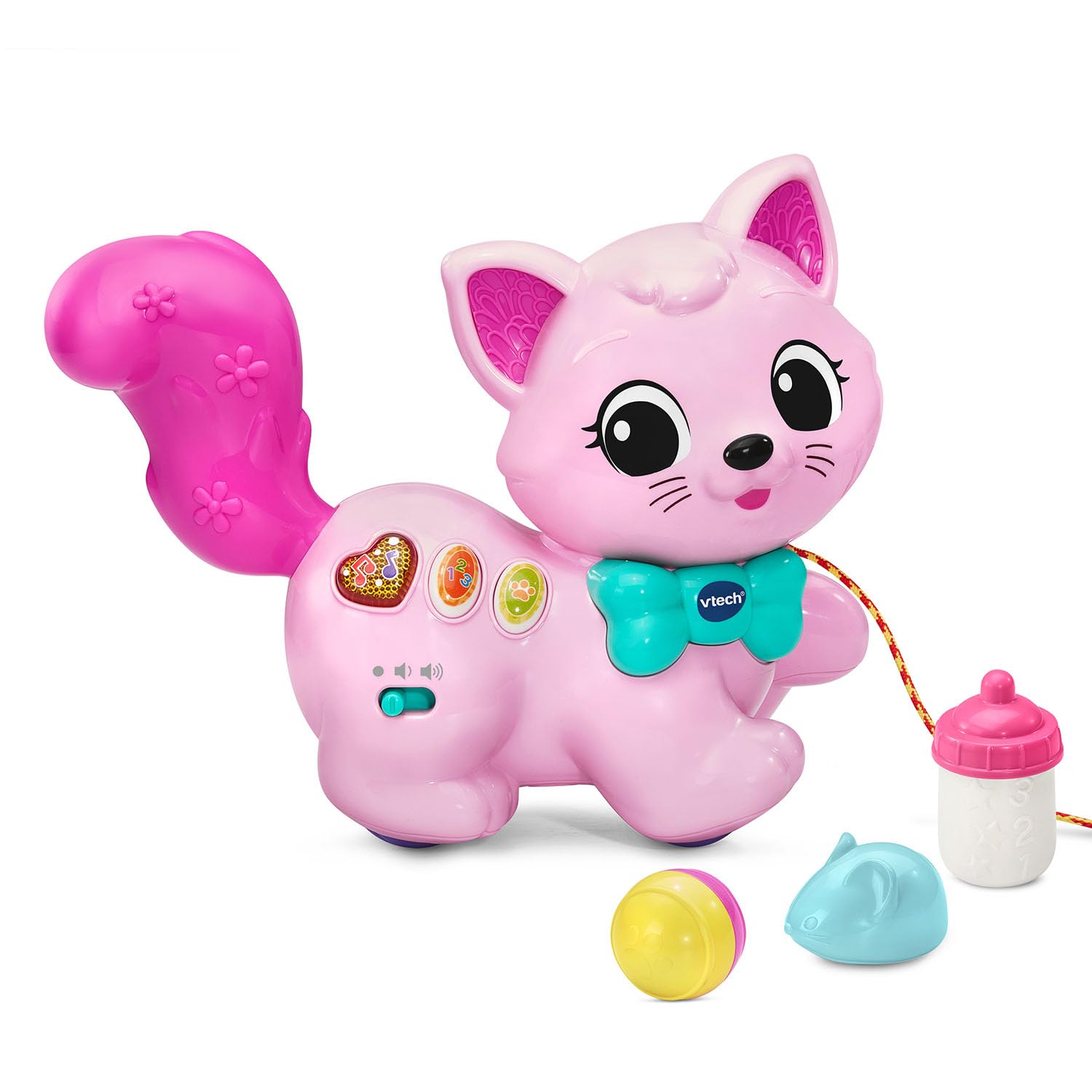
The VTech Sing and Stroll Kitty is an interactive pull-along toy designed for children aged 12-36 months. This toy encourages motor skill development through pushing and pulling, while also introducing numbers, feelings, and music through light-up buttons. It includes accessories for pretend play, fostering imaginative animal care.
2. Dab tsi hauv lub thawv
Please ensure all components are present before use:
- Hu nkauj thiab taug kev Kitty
- Mouse accessory
- Bottle accessory
- Ball accessory
- Phau Ntawv Qhia Pib Ceev

3. Teeb tsa
3.1 Kev teeb tsa roj teeb
The VTech Sing and Stroll Kitty requires 2 AAA batteries for operation. Batteries are included for demonstration purposes only; new batteries are recommended for regular use.
- Locate the battery compartment on the underside of the kitty.
- Siv lub hau ntswj, qhib lub roj teeb lub hau npog.
- Ntxig 2 lub roj teeb AAA tshiab, xyuas kom meej tias polarity raug (+/-).
- Hloov lub roj teeb lub hau npog thiab tuav nws nrog cov ntsia hlau.

3.2 Lub hwj chim Qhib/Tawm thiab Kev Tswj Suab
Locate the power switch and volume control slider on the side of the kitty. Slide the switch to the 'On' position to activate the toy. Adjust the volume to your preferred level using the slider.
4. Cov lus qhia ua haujlwm
4.1 Push and Pull Play
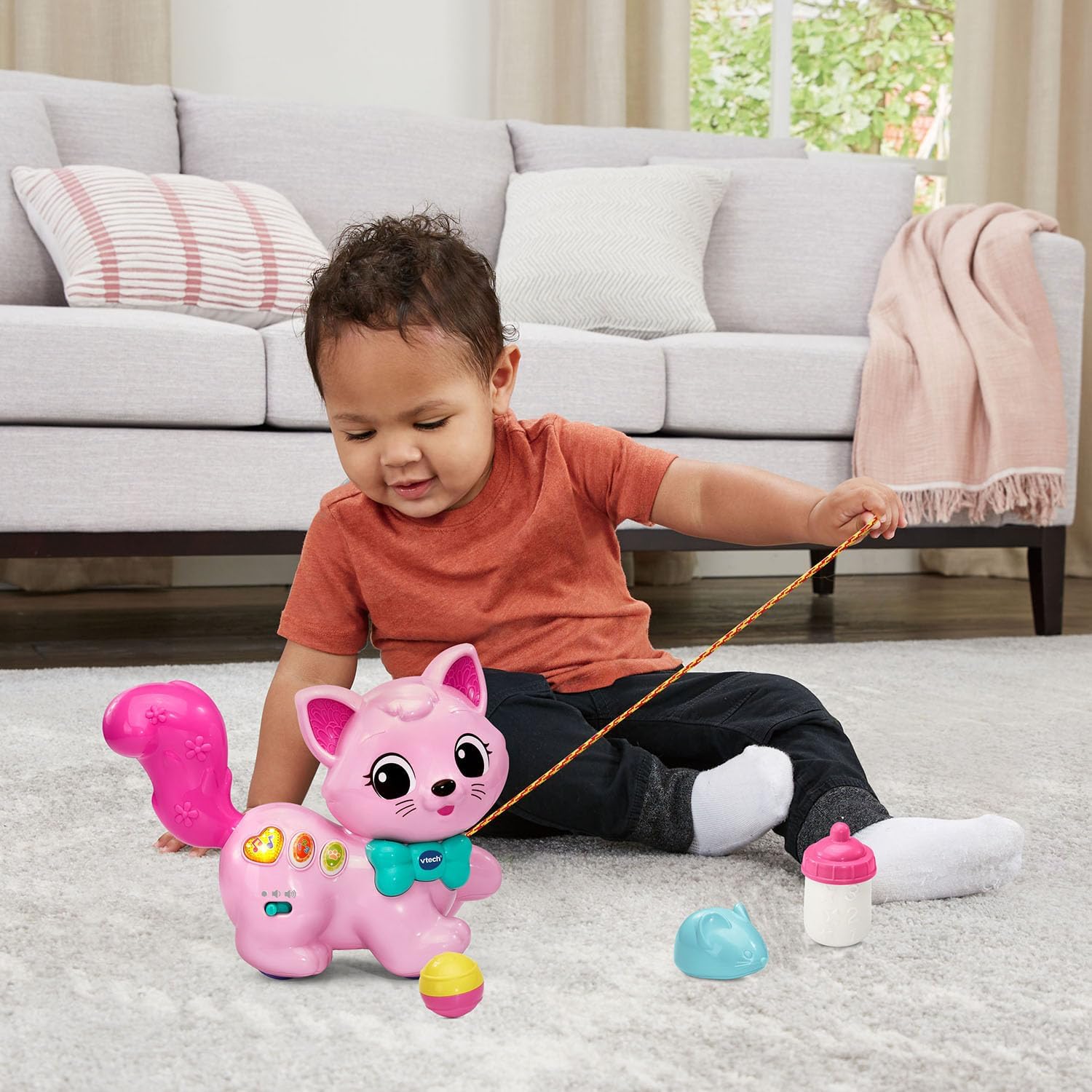
The Sing and Stroll Kitty is designed for interactive movement. Push or pull the kitty using the attached cord to hear melodies, songs, and sound effects. Observe as the kitty wobbles and swishes its tail during movement, engaging your child's motor skills.

4.2 Sib tham sib khawm
The kitty features colorful light-up buttons on its side. Press these buttons to:
- Listen to various songs and melodies.
- Learn about the kitty and its characteristics.
- Explore numbers and feelings through engaging phrases.

4.3 Pretend Play Accessories
Use the included bottle, mouse, and ball accessories to engage in imaginative animal care. Children can pretend to feed, play with, and care for their kitty, fostering nurturing skills and creative play.
4.4 Official Product Video
5. Kev tu
5.1 Cov lus qhia ntxuav
To clean the VTech Sing and Stroll Kitty, wipe the surface with a slightly damp cloth. Do not immerse the toy in water. Avoid using harsh chemicals or abrasive cleaners.
5.2 Cord Cia
When the toy is not in use, the pull cord can be conveniently stored in a dedicated compartment located on the underside of the kitty. This helps keep the toy tidy and prevents tangles.

6. Kev daws teeb meem
If you experience issues with your VTech Sing and Stroll Kitty, please refer to the following common solutions:
- Tsis muaj suab nrov lossis tsis sib xws: Check if the power switch is in the 'On' position and if the volume is turned up. Replace batteries if they are low or depleted.
- Toy Not Moving/Wobbling: Ensure the toy is on a flat, smooth surface. Check if the wheels are obstructed. Verify that batteries are correctly installed and have sufficient power.
- Khawm Tsis teb: Replace batteries. Ensure the toy is powered on.
If problems persist, please contact VTech customer support.
7. Cov lus qhia tshwj xeeb
| Feature | Paub meej |
|---|---|
| Khoom Dimensions | 9.96 x 8.03 x 4.57 po |
| Yam Nyhav | 1.2 puj |
| Qauv nab npawb | 80-574835 : kuv |
| Chaw tsim tshuaj paus pom zoo hnub nyoog | 12 hli thiab nce |
| Roj teeb | 2 AAA batteries required (included for demo) |
| Hnub tso tawm | Lub Rau Hli 15, 2025 |
8. Warranty thiab Support
For warranty information or technical support, please refer to the VTech Quick Start Guide included with your product or visit the official VTech webqhov chaw. Koj tuaj yeem mus saib tau VTech Khw muag khoom ntawm Amazon rau cov ntaub ntawv thiab cov khoom siv ntxiv.