
1. Taw qhia
Thank you for choosing the ROCAM CR1030 Emergency Solar Hand-Crank AM/FM Radio. This versatile device is designed to provide reliable communication, light, and power in various situations, including outdoor activities and emergencies. Please read this manual thoroughly before use to ensure optimal performance and safety.
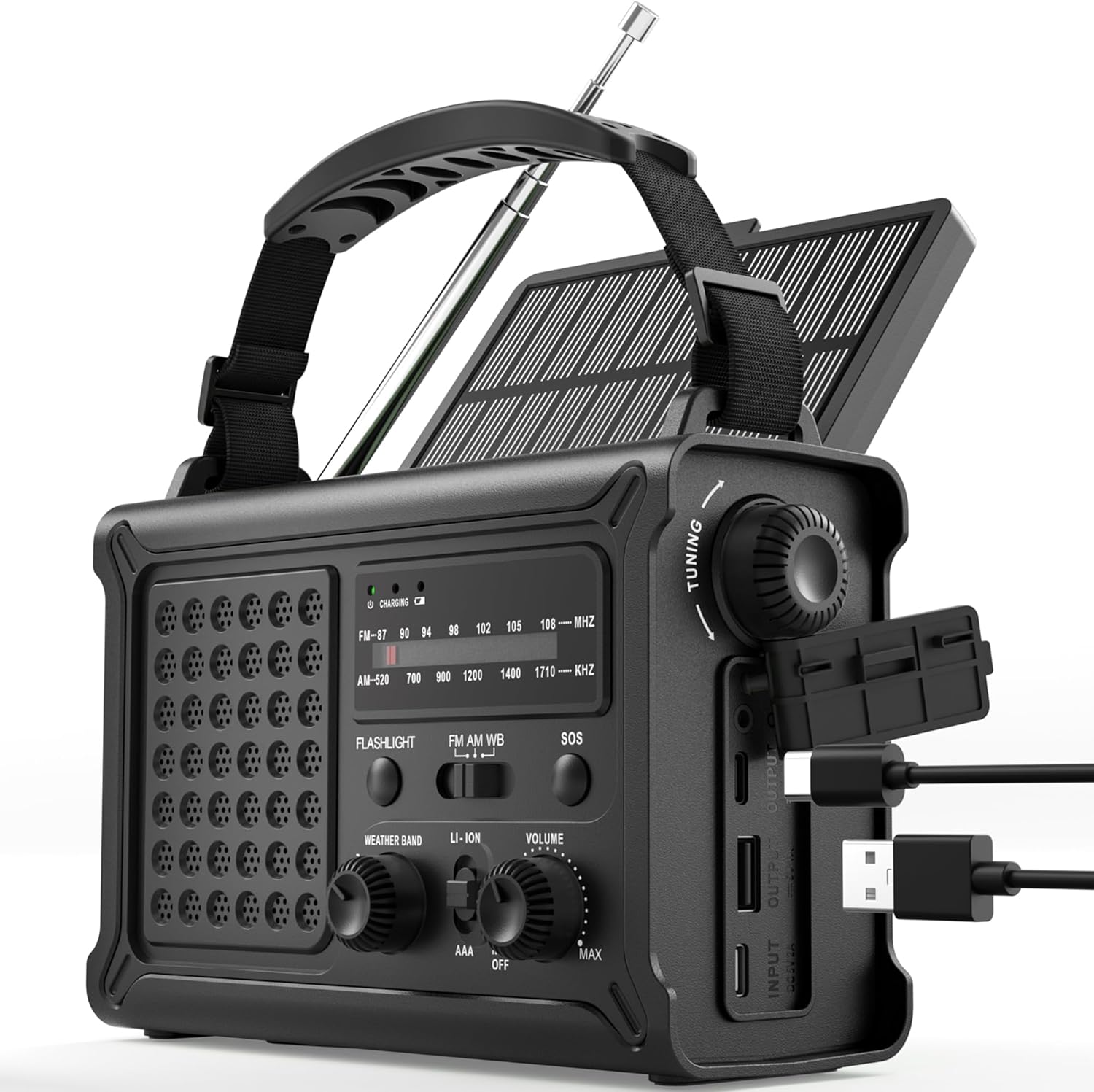
The ROCAM CR1030 Emergency Solar Hand-Crank AM/FM Radio, featuring its robust design and multiple functionalities.
2. Cov ntsiab lus ntawm pob
Xyuas kom txhua yam khoom muaj nyob hauv koj pob:
- ROCAM CR1030 AM/FM Radio
- Portable Strap
- Hom-C Them Rau Cable
- Cov neeg siv phau ntawv
3. Kev teeb tsa thiab pib siv
3.1 Them lub roj teeb sab hauv
Before first use, fully charge the internal 12000mAh battery using the provided Type-C cable.
- Connect the Type-C charging cable to the radio's Type-C input port.
- Txuas lwm qhov kawg ntawm txoj hlua rau lub USB fais fab adapter (tsis suav nrog) lossis lub computer USB port.
- The charging indicator light will illuminate. The radio is fully charged when the indicator turns solid.
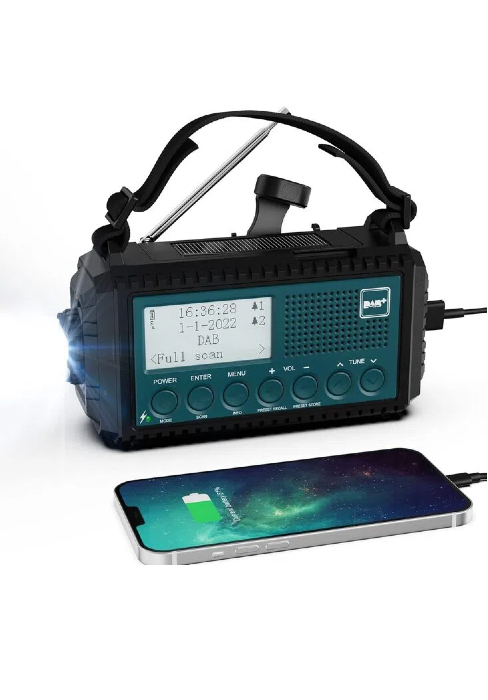
The ROCAM CR1030 radio connected to a power source via its USB-C port for charging.
3.2 Installing AAA Batteries (Backup Power)
For additional backup power, you can install 3 AAA batteries (not included).
- Nrhiav lub roj teeb hauv qab ntawm lub xov tooj cua.
- Qhib lub hau npog.
- Ntxig 3 AAA roj teeb, xyuas kom meej polarity (+/-).
- Kaw lub roj teeb lub hau npog kom ruaj ntseg.
4. Cov lus qhia ua haujlwm
4.1 Powering On/Off and Volume Control
Tig lub VOLUME knob clockwise to turn the radio on and increase volume. Rotate counter-clockwise to decrease volume and turn off.
4.2 Kev Ua Haujlwm Xov Tooj Cua (AM/FM)
- Txuas lub kav hlau txais xov telescopic rau kev txais tos zoo.
- Select the desired band (AM or FM) using the BAND hloov.
- Tig lub TUA knob to scan for stations. The frequency display will show the current station.
- Kho cov VOLUME pob qhov rooj rau qib koj nyiam mloog.
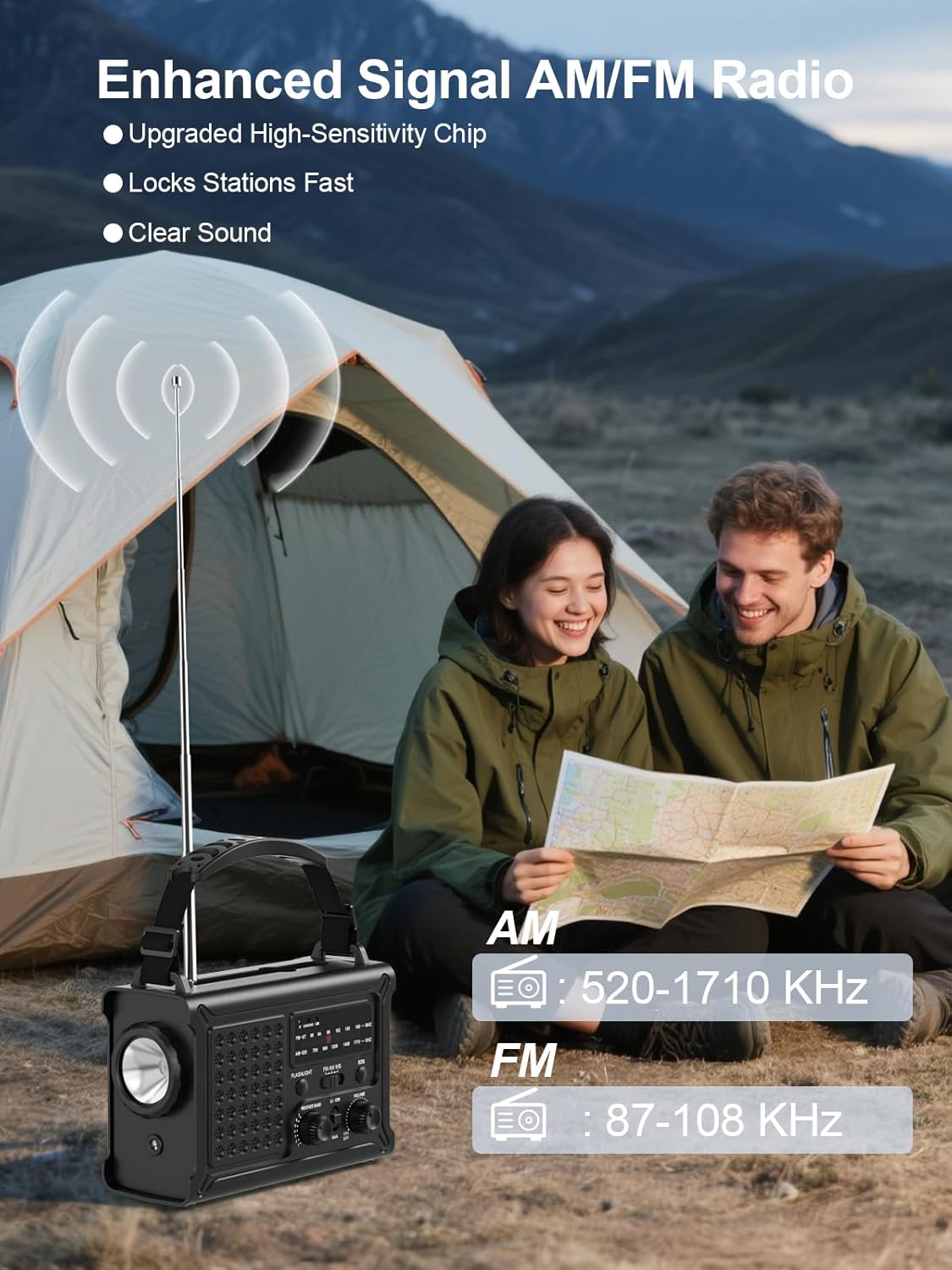
The ROCAM CR1030 radio with its antenna extended, demonstrating its AM/FM reception capabilities.
4.3 Cov Haujlwm Teeb Pom Kev Zoo
The radio features two lighting modes:
- Lub teeb: Nias lub FLASHLIGHT button to turn on the front LED flashlight. Press again to turn off.
- Nyeem Lamp: Nqa lub vaj huam sib luag hnub ci kom pom qhov nyeem ntawv lamp. Nias lub Lub teeb button (located under the solar panel) to turn on the 12 LED reading lamp. Press again to turn off.
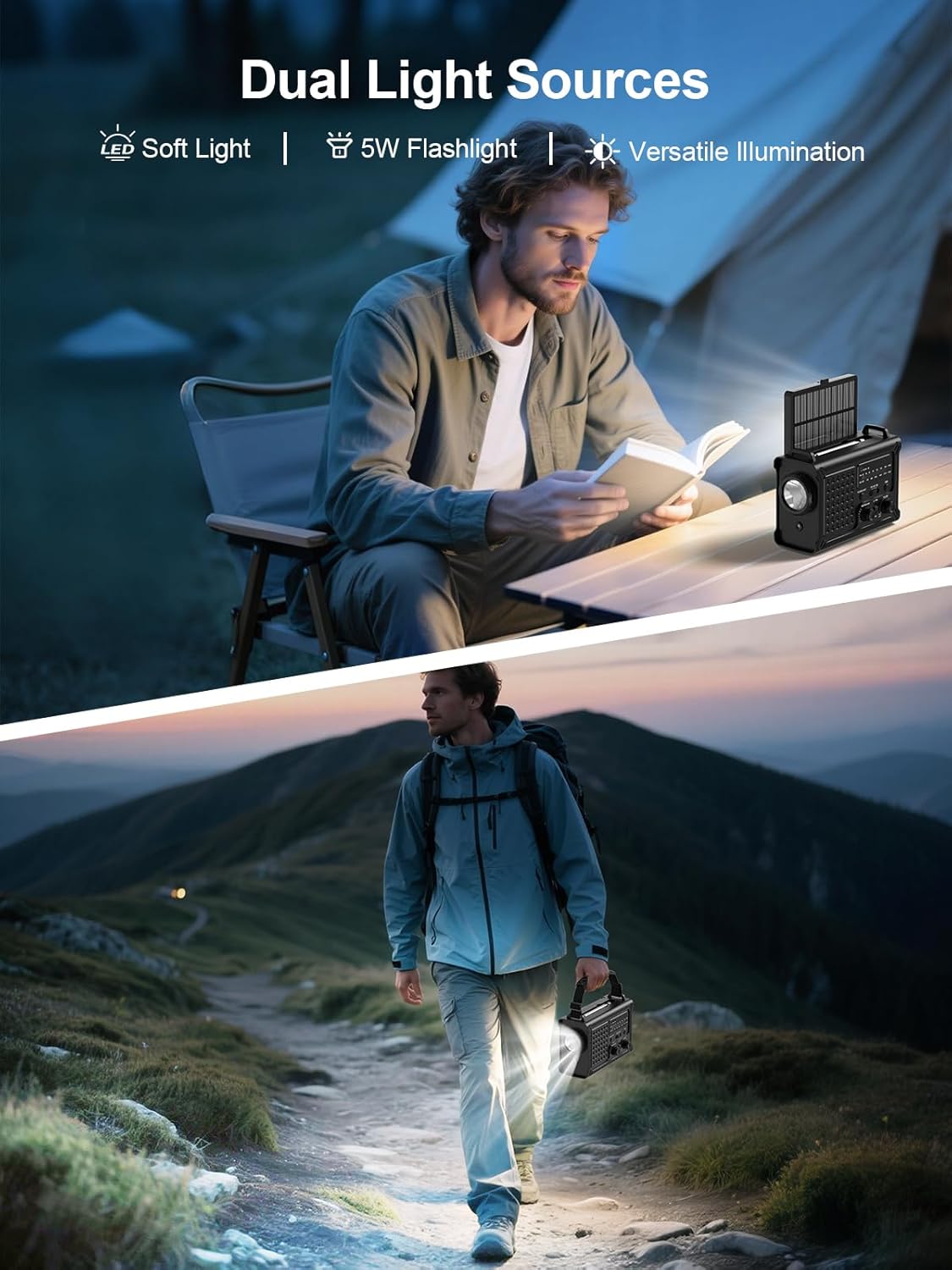
The ROCAM CR1030 providing illumination with its flashlight and reading lamp in different outdoor settings.
4.4 SOS tswb
In an emergency, activate the SOS alarm:
- Nias thiab tuav lub SOS button. The radio will emit a loud 120dB siren and a flashing red light.
- Release the button to deactivate the alarm.

The ROCAM CR1030 highlighting its SOS alarm, 12000mAh power bank, and ability to keep users informed during emergencies.
4.5 Kev Them Cov Khoom Siv Sab Nraud (Lub Txhab Nyiaj Fais Fab)
The 12000mAh internal battery can charge your mobile devices:
- Connect your device's charging cable to the radio's USB-A output port or Type-C output port.
- The radio will begin charging your device.
4.6 Hnub ci them
The integrated solar panel provides a supplementary charging method:
- Place the radio with the solar panel facing direct sunlight.
- The solar charging indicator will light up.
- Solar charging is most effective in strong, direct sunlight and is primarily intended for maintaining battery charge or for emergency top-ups.

The ROCAM CR1030 demonstrating its dual power upgrades: a large solar panel and an efficient hand crank for charging.
4.7 Hand-Crank Charging
When no other power source is available, use the hand crank:
- Unfold the hand crank handle from the back of the radio.
- Rotate the crank clockwise or counter-clockwise at a steady pace (approximately 130-150 RPM) for 3-5 minutes to generate enough power for basic functions (radio, light).
- The charging indicator will light up during cranking.

Cov ncauj lus kom ntxaws view of the high-torque hand crank mechanism on the ROCAM CR1030 radio.
5. Kev tu
5.1 Kev ntxuav
So lub xov tooj cua nrog mos, damp cloth. Do not use harsh chemicals or abrasive cleaners. Ensure all ports are dry before use or charging.
5.2 Cia khoom
Store the radio in a cool, dry place away from direct sunlight and extreme temperatures. If storing for extended periods, ensure the internal battery is charged to at least 50% and recharge every 3-6 months to prolong battery life. Remove AAA batteries if not used for a long time.
5.3 Dej tsis kam (IPX6)
The ROCAM CR1030 is IPX6 waterproof, meaning it can withstand powerful water jets. It is not designed for submersion. Ensure all port covers are securely closed to maintain water resistance.
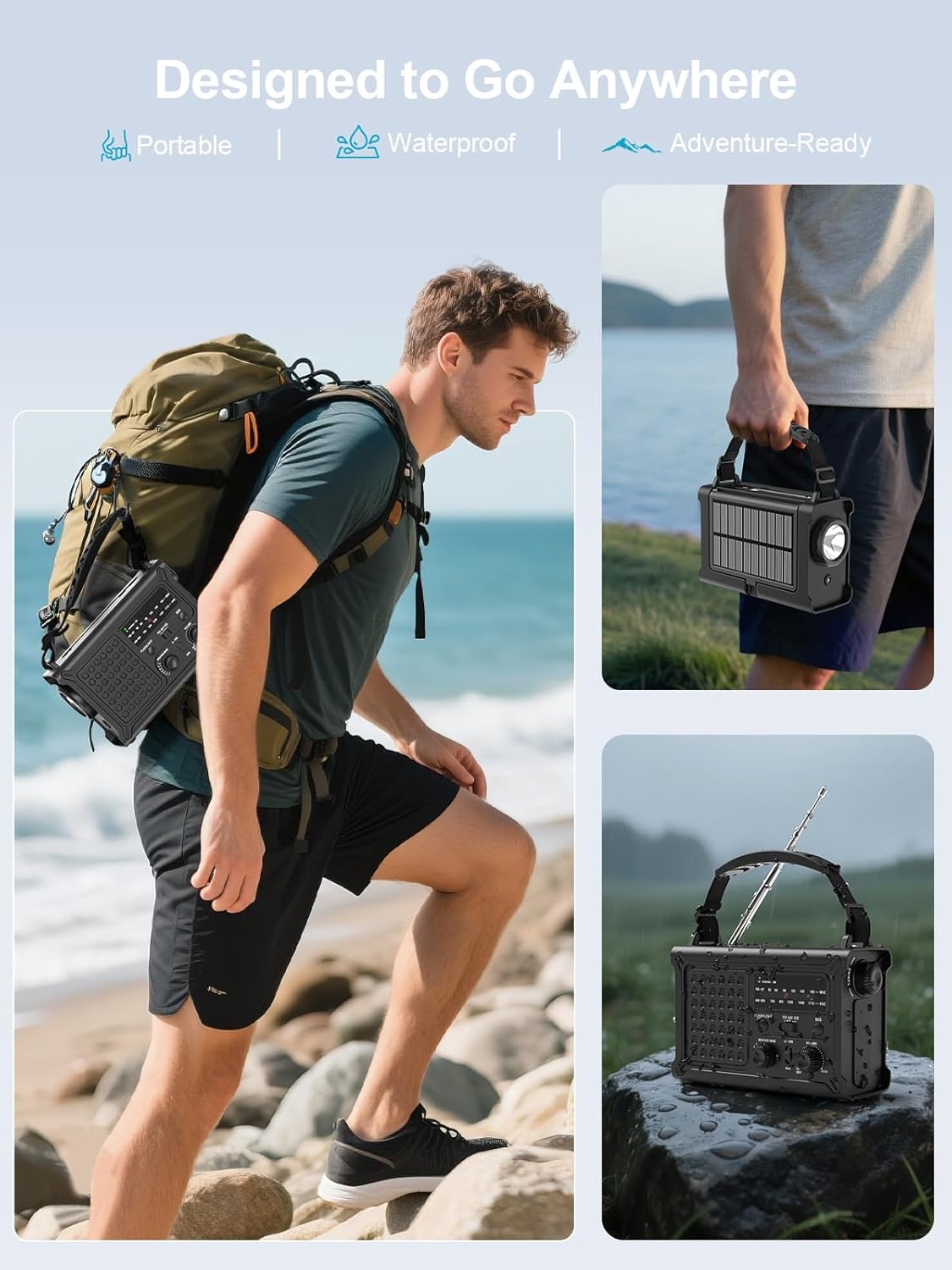
The ROCAM CR1030 is designed for outdoor use, being portable and waterproof (IPX6 rated).
6. Kev daws teeb meem
| Teeb meem | Ua Tau | Kev daws |
|---|---|---|
| Xov tooj cua tsis qhib. | Internal battery is depleted. AAA batteries are depleted or incorrectly installed. | Charge the internal battery via USB-C, solar, or hand-crank. Check and replace AAA batteries if used. |
| Kev txais xov tooj cua tsis zoo. | Lub kav hlau txais xov tsis tau nthuav dav. Thaj chaw teeb liab tsis muaj zog. Kev cuam tshuam. | Fully extend the telescopic antenna. Reposition the radio. Move away from electronic devices causing interference. |
| Tsis tuaj yeem them lub cuab yeej sab nraud. | Radio's internal battery is low. Cable is faulty. Device is incompatible. | Ensure the radio's internal battery is sufficiently charged. Try a different charging cable. |
| Lub zog them fais fab los ntawm lub hnub qeeb heev. | Insufficient sunlight. Panel is dirty. | Place the radio in direct, strong sunlight. Clean the solar panel. Note that solar charging is supplementary. |
| Hand-crank charging is ineffective. | Cranking qeeb dhau los yog tsis sib xws. | Maintain a steady cranking speed of 130-150 RPM. |
7. Cov lus qhia tshwj xeeb
| Feature | Paub meej |
|---|---|
| Hom | ROCAM |
| Qauv nab npawb | TIAB SA 1030 |
| Xim | Dub |
| Connectivity Technology | USB |
| Tshwj xeeb nta | 12000 mAh Battery, Ergonomic Design, Large 8500 mm² Solar Panel, 57 mm Speaker, 650 mA Hand Crank |
| Compatible Devices | Headphones, Smartphone |
| Khoom Dimensions | 12.1 L x 17.2 W x 7.4 H cm |
| Tuning Technology | AM/FM |
| Hwj chim Source | Solar Powered, Battery Powered, Electric Cord, Hand Crank, Type-C Input, Rechargeable Battery, 3 AAA Batteries |
| Txhawb xov tooj cua Bands | AM, FM |
| Cov Cheebtsam suav nrog | Portable Strap, Type-C Charging Cable, User Manual, AM/FM Radio |
| Dej tsis kam | IPX6 |
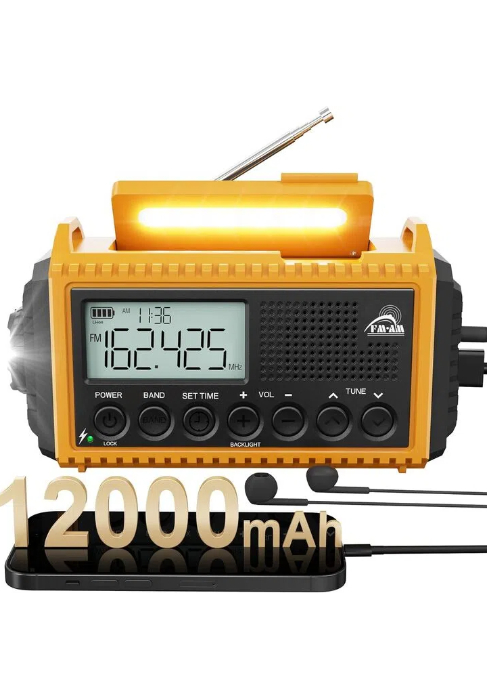
The ROCAM CR1030 radio, highlighting its 12000mAh battery capacity.
8. Warranty thiab Support
ROCAM products are designed for reliability and performance. For warranty information or technical support, please refer to the contact details provided on the product packaging or the official ROCAM webqhov chaw. Khaws koj daim ntawv yuav khoom ua pov thawj ntawm kev yuav khoom.
9. Khoom Tshajview Video
Saib daim vis dis aus no kom nrawm duaview of the ROCAM CR1030 Emergency Solar Hand-Crank AM/FM Radio's features and functions.
This video demonstrates the key features of the ROCAM CR1030 radio, including its charging methods, radio functionality, and lighting options.